

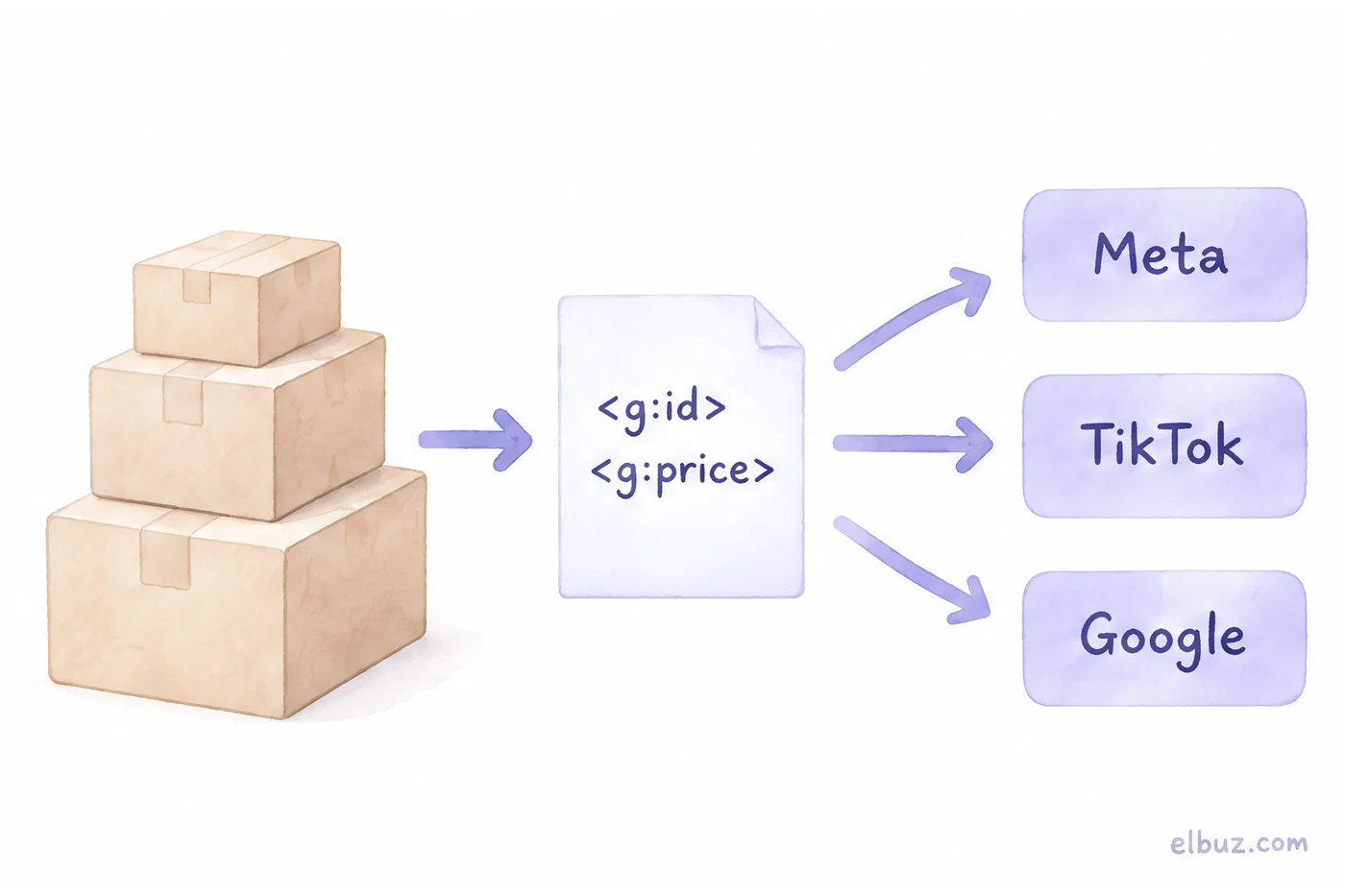
A Meta catalog is the product table in Commerce Manager behind Facebook and Instagram catalog ads and Shops. TikTok Ads Manager keeps a similar one. The most reliable way to fill both is one product feed at a permanent URL: Meta accepts a Google Merchant Center feed as is and fetches it hourly, daily or weekly, and TikTok fetches it on a Data Feed Schedule or imports from Merchant Center.
Two mistakes cost stores the most here. The first is a one-time CSV upload: a week later supplier prices have moved and the ads still show the old ones. The second is a fetch scheduled before the file refreshes, which quietly leaves the catalog a day behind. Below: the fields each platform needs, setup steps for both, the schedule math on a sample product and the reasons products get rejected.
When store owners go looking for a Meta catalog
It usually starts with ads. A media buyer asks you to "connect the catalog", or Ads Manager wants a catalog before it will run ads with products. Then come the searches: "meta catalog", "how to add products to facebook catalog", "facebook product feed", "can I use the same catalog for TikTok catalog ads".
The tempting first move is adding products by hand. For a store with hundreds of SKUs that's the wrong road: a catalog isn't something you fill once, it's something you keep in sync with your site. Decide first where it will get its data.
What a catalog does on Meta and TikTok
A catalog lets ads pick the right product, price and image for each person automatically. Without one you can't run catalog ads on either platform, and Facebook and Instagram Shops run on it too.
| What | Meta (Facebook, Instagram) | TikTok |
|---|---|---|
| Catalog ads | Advantage+ catalog ads (formerly dynamic ads): retargeting, prospecting, cross-sell | Smart+ Catalog Ads |
| What else you need | Meta Pixel on your site or the app SDK | a market where Video Shopping Ads (Catalog) have launched |
| Storefront | Shops on Facebook and Instagram; since September 2025, checkout happens on your website only | TikTok Shop is a separate product with its own integration |
| Catalog limits | a Shop connects to one catalog, and you can't switch it later | one target country and one currency per catalog |
A catalog behind a Shop must hold physical products, between 1 and 10 million items, with links to product pages on your store's own domain, the same one listed in your business settings. Since the Shop's catalog can't be swapped, connect the one that holds your full range.
A TikTok catalog and TikTok Shop solve different problems. The catalog sends shoppers from an ad to your website. TikTok Shop sells inside the app, through a separate seller account with its own orders (how to sell on TikTok Shop). If you sell there too, keep stock and orders in sync through a TikTok Shop integration, not the ad catalog.
TikTok doesn't list Catalog Ads markets on its help page; if Assets → Catalog is missing in your account, it isn't available to you yet.
Which fields Meta and TikTok require
Both platforms want the same data as Google Merchant Center, under different field names and with different limits. That makes a Google-format feed the most practical base: Meta takes it without changes, and TikTok can map columns with catalog rules.
| Field | Google feed tag | Meta | TikTok |
|---|---|---|---|
| ID | g:id | id | sku_id |
| Title | g:title | up to 200 characters, 65 recommended | up to 150 characters |
| Description | g:description | plain text only, no HTML, up to 9,999 characters | up to 20,000 characters |
| Brand and codes | g:brand, g:gtin, g:mpn | at least one of brand, gtin or mpn | brand is required |
| Availability | g:availability | in stock, out of stock | in stock, available for order, preorder, out of stock, discontinued |
| Condition | g:condition | required | new, refurbished, used |
| Price | g:price | number plus currency code: "49.00 USD" | same: "49.00 USD" |
| Link and image | g:link, g:image_link | link, image_link | link, image_link; JPEG or PNG, 500×500 or larger |
| File | XML (RSS 2.0) | XLSX, CSV, TSV, XML, Google Sheets; up to 4 GB, split feeds above 1 million items | CSV, XML, ZIP, GZ; under 50 GB and under 20 million items |
The table shows three places where a Google feed breaks elsewhere. Google tolerates some HTML in descriptions; Meta wants plain text. A product with a GTIN but no brand passes on Meta and fails on TikTok, where brand is mandatory. A 180-character title fits Meta's limit and not TikTok's. If your Google feed is already running (how to set up Google Shopping), check exactly these three fields first.
How to add products to a Facebook catalog with a feed
You connect the feed in Commerce Manager as a data source: you give Meta the file URL and it fetches the file on a schedule.
- Open Commerce Manager and create a catalog for products, or pick an existing one.
- In the catalog, go to Data sources and add items with a data feed, a file at a URL.
- If the file is in Google format, choose Google Merchant Center as the source type. Meta itself recommends this for files built for Google ads.
- Paste the file URL: http(s), ftp or sftp.
- Check how the file's fields map to Meta's fields and confirm the currency.
- Set the schedule: hourly, daily or weekly. Put the time 10–15 minutes after your file refreshes (see the schedule math below).
- Run the first upload.
How to check the result. After the upload Meta shows a summary: how many items were added, how many have errors and how many have warnings. Fix errors at the source, in the feed, not by editing the catalog: the next scheduled fetch overwrites manual edits. Then open ten random products in the catalog and compare price and availability with your site.
How to create a TikTok catalog and connect the feed
You create the catalog in TikTok Ads Manager and connect the feed through Data Feed Schedule, which fetches a file from a URL on a set frequency.
- In TikTok Ads Manager, open Assets → Catalog and click Create.
- Set the name, currency and target country. Each catalog has one country, so selling to the US and Canada means two catalogs.
- In the catalog, choose Add Products → Data Feed Schedule.
- Paste the file URL, choose the update frequency and update method, then click Import.
- If your column names differ from TikTok's (g:id instead of sku_id), map them with catalog rules. Rules can also replace values or set defaults.
Other ways to fill the catalog: add products manually, upload a file once, or import the catalog from Google Merchant Center. If your store runs on a platform TikTok integrates with directly, such as Shopify, BigCommerce, WooCommerce, Square or OpenCart, that's simpler still. TikTok recommends refreshing the catalog daily.
How far behind your site the catalog runs: schedule math
The catalog lags by the time between your file refresh and the platform's fetch. If the fetch runs before the refresh, that lag grows to almost a full day. The formulas:
Catalog lag = fetch time − file refresh time (if the fetch is earlier, add 24 hours).
Worst case from a price change = file refresh interval + catalog lag.
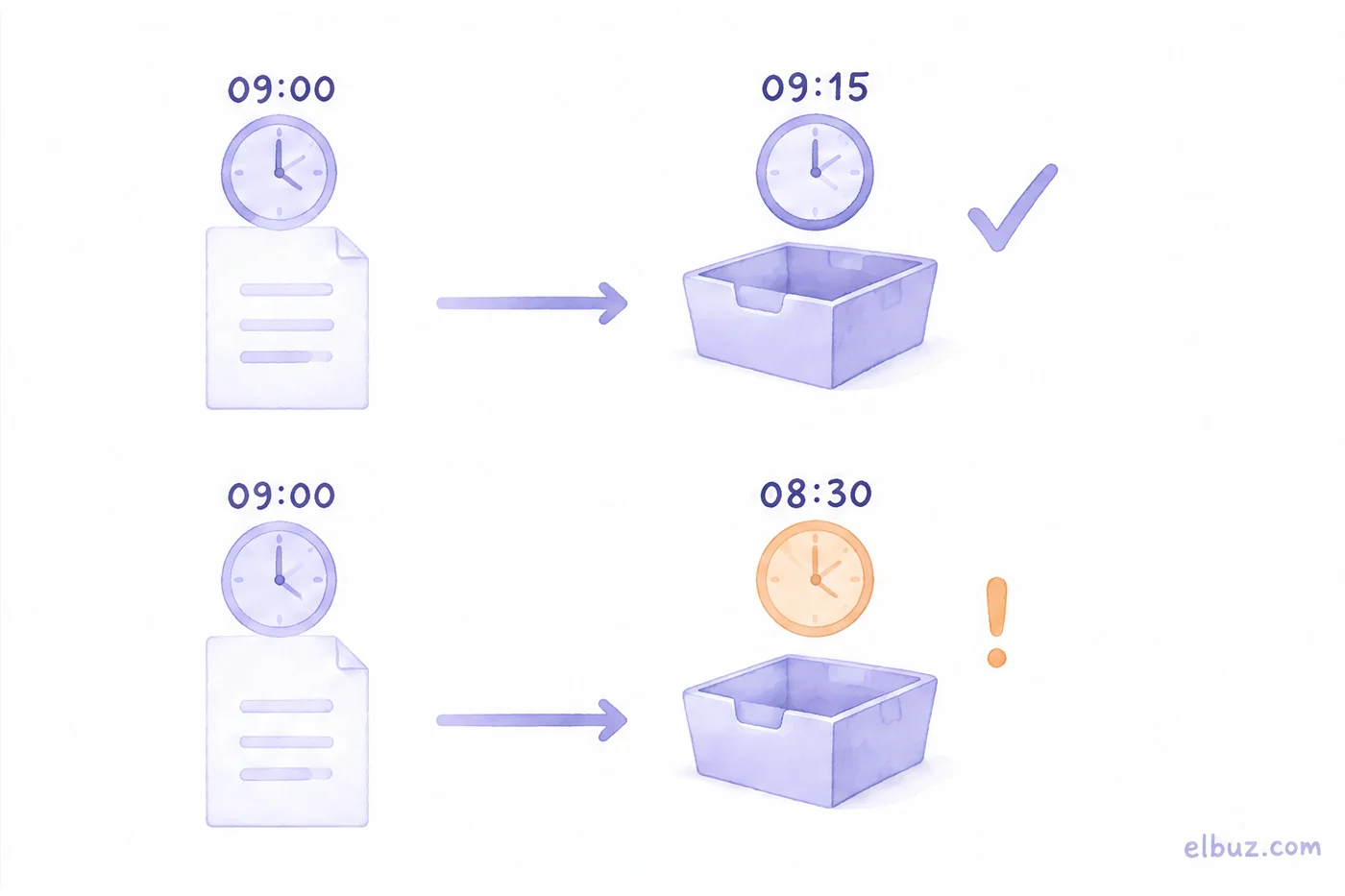
A sample for the arithmetic; times and prices are made up. Your feed file rebuilds every day at 9:00 AM Eastern. A supplier raises the cost of a product and you move its price from $49 to $54 on Monday at 9:01 AM, right after the file was built.
| Fetch schedule | New price in catalog | After file refresh | After price change |
|---|---|---|---|
| Daily at 9:15 AM | Tuesday 9:15 AM | 15 min | 24 h 14 min |
| Daily at 8:30 AM | Wednesday 8:30 AM | 23 h 30 min | 47 h 29 min |
| Hourly at :15 | Tuesday 9:15 AM | 15 min | 24 h 14 min |
An 8:30 AM fetch looks almost the same as 9:15 AM, but every day it picks up yesterday's file. The new price reaches the catalog on Wednesday, so for nearly two days your ads show $49 for a product your site sells at $54. Shoppers see one price in the ad and another at checkout, or you sell below the margin you planned.
Hourly fetching adds nothing here: the file changes once a day, so 23 of 24 fetches pull the same version. Decide first how often the file needs to refresh, then schedule the fetch 10–15 minutes after each refresh, which is exactly Meta's own example (file at 9:00, upload at 9:15).
If supplier prices change several times a day, rebuild the file more often and switch to hourly fetching. Also check which time zone your account uses for the schedule.
How to split products into sets with custom labels
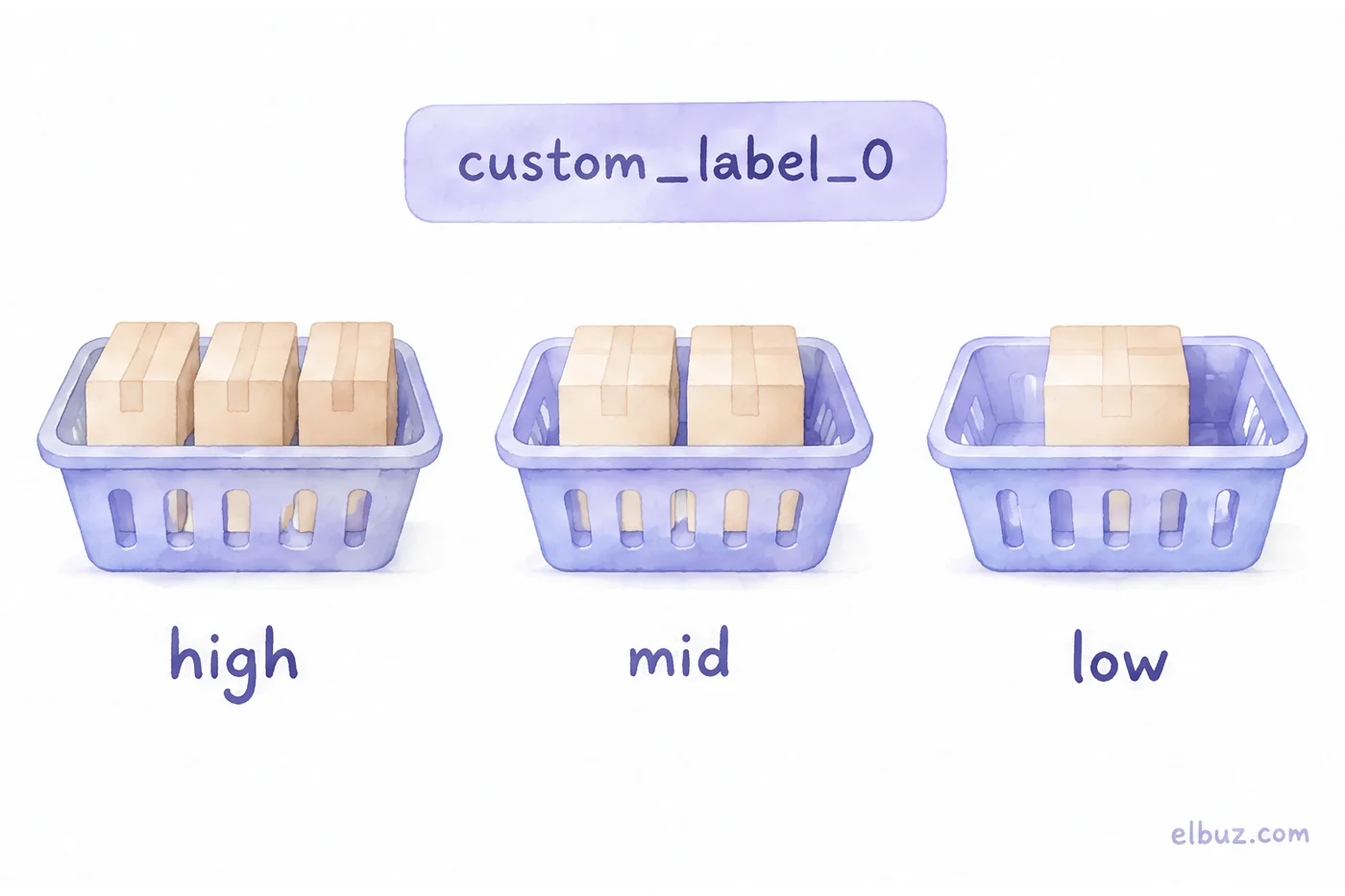
Product sets split a catalog into groups for different campaigns, and the custom_label_0 to custom_label_4 fields give you filters a plain feed doesn't have. Both platforms accept five of these fields with values up to 100 characters, and both build product sets from filters on catalog fields.
| Field | What it holds | Values | How to use it |
|---|---|---|---|
| custom_label_0 | margin | high, mid, low | more budget on the high set |
| custom_label_1 | stock | in_stock, low_stock, out | keep low_stock out of prospecting |
| custom_label_2 | new arrival | new, regular | a separate campaign for new products |
| custom_label_3 | price band | low, mid, high | different creatives for cheap and premium items |
These values come from your store, not your ad account: only your back office knows margin and stock. So the labels have to refresh with the feed, or a product that just sold out sits in the prospecting set for another day. One caveat for Meta: its catalog field reference recommends a separate internal_label field for product set filters. Check which fields the set filter offers in your catalog.
Why products get rejected and how to avoid it
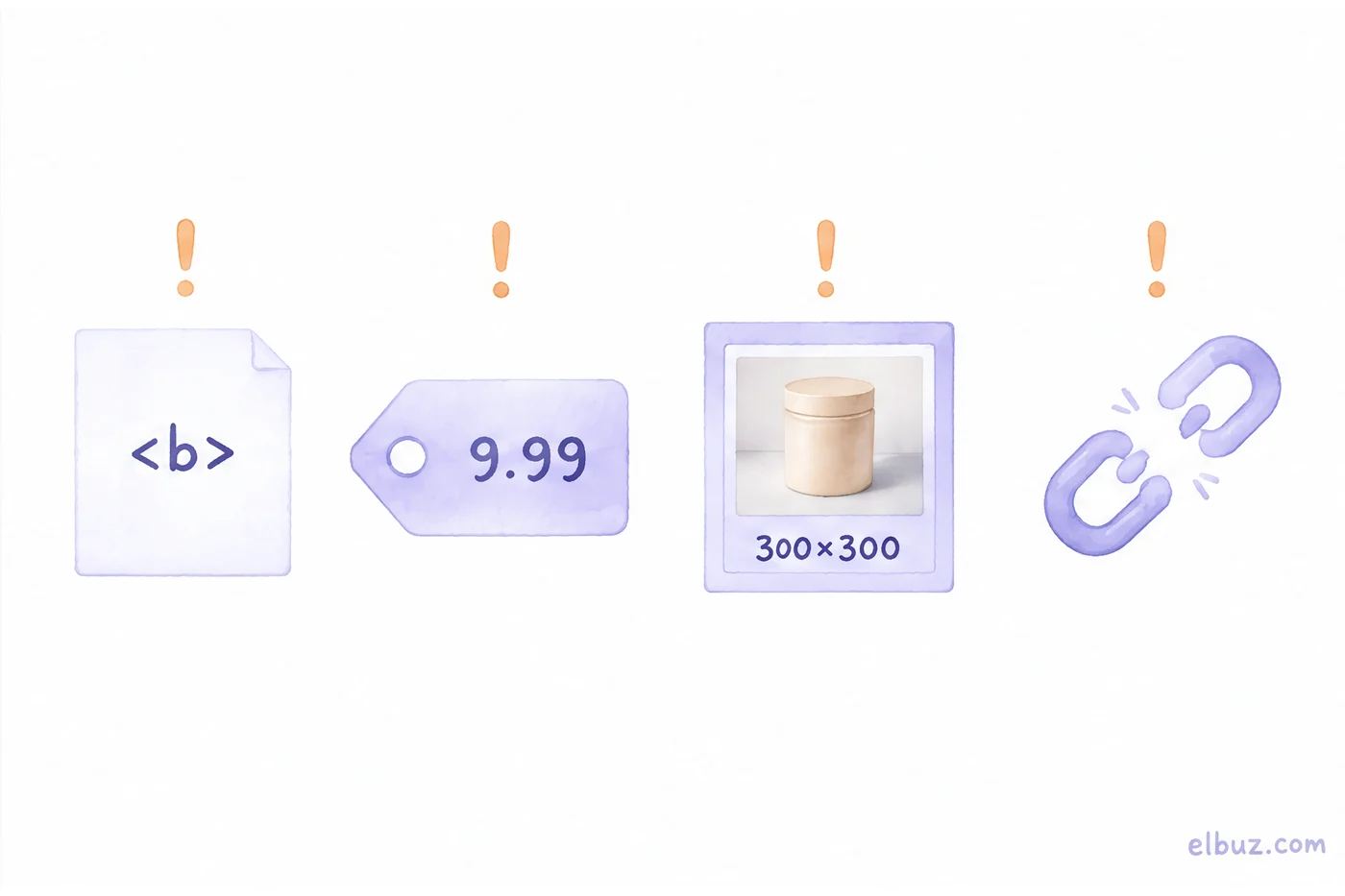
Most often because of a field Google accepts and Meta or TikTok doesn't. Seven things to check before the first upload:
- HTML in the description. Meta requires plain text. Strip the tags your Google description carries before the feed goes to Meta.
- Links off your store domain. For Shops, links must point to product pages on the domain listed in your business settings. A product linking to a marketplace listing or another domain doesn't qualify.
- Price without a currency code. Both platforms expect "49.00 USD". A bare number or "$49" doesn't match the format.
- Availability outside the platform's list. "Yes", "1" or "available" instead of in stock isn't a value the platform recognizes.
- No brand. Meta needs at least one of brand, gtin or mpn; TikTok needs brand specifically. Supplier items with no manufacturer are the first to fail on TikTok.
- Small images. TikTok recommends JPEG or PNG at 500×500 or more. A 300×300 supplier photo falls short.
- Titles that are too long. Meta allows 200 characters, TikTok 150. Titles that list every spec separated by commas often run longer.
AI shopping agents read the same fields when they pick products for a shopper, so a clean feed pays off beyond ads (how to prepare your catalog for AI agents).
When to generate the Meta and TikTok feeds from your catalog automatically
When you have thousands of SKUs and prices and stock arrive from supplier price lists that change daily. A hand-built CSV goes stale in a day, and every platform needs its own clean-up: plain-text descriptions, availability in its vocabulary, titles within its limit.
In Elbuz, the "Facebook / Instagram (Meta)" and "Tiktok" feeds are ready-made formats on the same engine as the Google Merchant feed. The file sits at a permanent URL and rebuilds on schedule, descriptions go to Meta as plain text, and availability uses each platform's values. If an export ever comes out empty, it isn't published and the URL keeps serving the previous file.
Elbuz also calculates the custom labels at every export: margin, stock, ABC by revenue, new arrival and price band. The Feed quality window lists products with no image, an invalid barcode or a title too long for the channel before Meta or TikTok sees them. More on the formats: Google Shopping feed for Merchant Center; all channels in one place: product feed management.
Who doesn't need this: if you sell a few dozen products on a platform with a native Meta or TikTok integration, connect the catalog through that integration.
Meta, TikTok and Google feeds with ElbuzOne catalog, feeds at permanent URLs, 14 days free
FAQ
How do I make a catalog in Meta?
In Commerce Manager, create a catalog for products and add a data source: a feed at a URL, a partner integration with your e-commerce platform, or manual entry. For hundreds of products, a feed that Meta fetches on a schedule is the most reliable.
Are Facebook dynamic ads the same as Meta catalog ads?
Yes. Meta renamed dynamic ads to Advantage+ catalog ads. They need a catalog plus a Meta Pixel on your site or the app SDK, and they pull products from a product set in that catalog.
Can I upload my Google Merchant Center feed to a Meta catalog?
Yes. When you add the feed, choose Google Merchant Center as the source type; Meta recommends it for files built for Google. Check the description field, since Meta accepts plain text only.
Are TikTok catalog ads available in my country?
Only in markets where TikTok has launched Video Shopping Ads (Catalog), and the help page doesn't list them. Open TikTok Ads Manager and check whether Assets shows Catalog for your account.
Can shoppers still check out on Instagram Shopping?
No. Since September 2025, Shops on Facebook and Instagram send shoppers to check out on your website. The shop, collections and product pages stay.
How often should a Meta catalog update?
As often as your prices and stock change, and always just after the feed file refreshes. Meta offers hourly, daily and weekly schedules; a fetch set before the file refresh leaves the catalog almost a day behind (schedule math).
Sources
- Meta, uploading products to a catalog with a data feed (formats, 4 GB limit, Google Merchant Center option, schedule) — facebook.com/business/help.
- Meta, catalog field reference (required fields, limits, custom_label, internal_label) — developers.facebook.com.
- Meta, Advantage+ catalog ads — facebook.com/business/help.
- Meta, changes to Shops and checkout on Facebook and Instagram — facebook.com/business/help.
- Meta, catalog requirements for Shops — facebook.com/business/help.
- TikTok, catalogs in Ads Manager and partner platforms — ads.tiktok.com.
- TikTok, creating and managing catalogs, Data Feed Schedule, file limits — ads.tiktok.com.
- TikTok, catalog product parameters — ads.tiktok.com.
- TikTok, best practices for a high-quality catalog — ads.tiktok.com.
Checked November 18, 2026.


