

To sell on TikTok Shop, you register in TikTok Shop Seller Center for the country where your business is, pass verification, set up shipping and payouts, list your products and link your TikTok account. Businesses, brands and individual sellers can apply, but only in a supported market: as of 01.11.2026 that is 19 countries, including the US, the UK and eight EU states. There is no setup fee; TikTok takes a commission on each sale: 6% in the US, 9% in the UK.
Most new sellers get two things wrong: they count only the commission and forget what one order costs in ads or creator fees, and they look for TikTok Shop in a country where it does not run. Below: where TikTok Shop works and who can sell, the setup steps, which videos sell, how to calculate the maximum you can pay for an order, and what to do if your country is not on the list.
When people ask how to sell on TikTok Shop
Usually the store already sells on its own website or a marketplace, and its product videos on TikTok get views but few sales. The owner searches "how to sell on TikTok Shop" and then asks: "Is creating a TikTok Shop free?", "Do I need an LLC?", "Do I need 1,000 followers?", "How do I sell without inventory?"
The follower question is the wrong one to start with. The seller sign-up does not ask for followers; it asks for a supported country and documents. The question that decides whether you make money is different: how much is left from an order after the commission, shipping and the cost of getting the buyer.
Where TikTok Shop works and who can sell
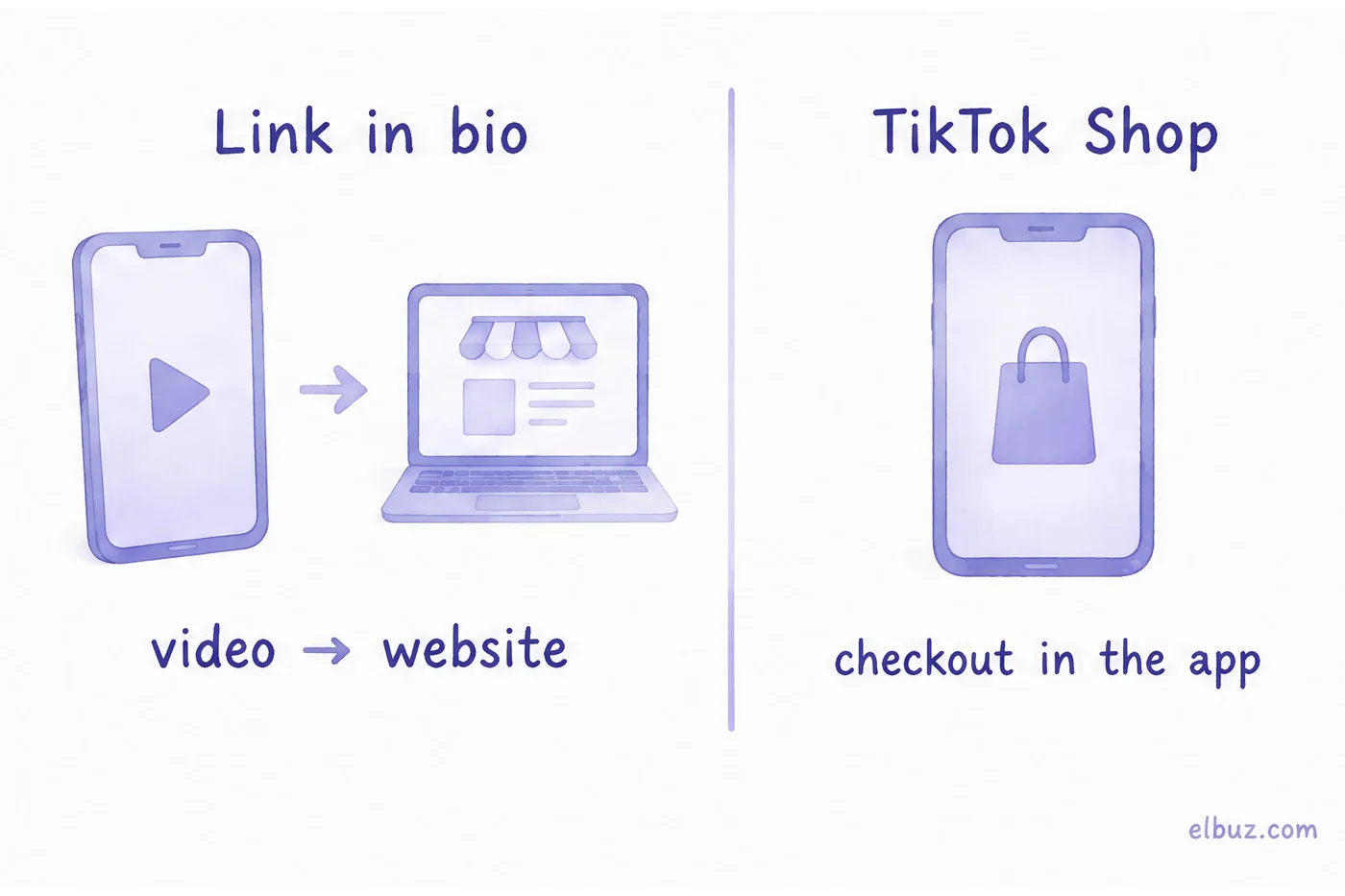
TikTok Shop runs separately in each country: you sign up for every market you want to sell in, and the buyer pays inside the TikTok app without leaving the video. Seller Center lists these markets:
| Region | Markets |
|---|---|
| Europe | United Kingdom, Germany, France, Spain, Italy, Ireland, Poland, Netherlands, Belgium |
| Americas | United States, Mexico, Brazil |
| Asia | Japan, Indonesia, Malaysia, Philippines, Singapore, Thailand, Vietnam |
The selector also has a separate Global Selling entry. Poland, the Netherlands, Belgium and Austria were announced for 15 June 2026 (TikTok, 28.05.2026). Who can apply: "businesses, brands, and individual sellers" located in a supported market, after verification. The exact documents depend on the country and business type, and Seller Center shows them during registration:
- United States. An individual seller (a sole proprietor without an EIN registers as one) gives a US photo ID and an SSN or ITIN. An LLC, corporation or partnership gives its EIN, registered business address and the details of its owners and representative. Every seller completes a W-9 tax interview before the first payout.
- United Kingdom. An individual seller gives a passport or driving licence and proof of a UK residential address. A limited company gives its Companies House registration number, legal name, business address and the director's ID. The bank account must be in the same name as the seller.
- Poland. TikTok asks for company registration data, ID documents and the details of the company representative.
Use a phone number and email that are not tied to another shop: Seller Center checks this at sign-up.
How to set up a TikTok Shop: step by step
Seller Center describes five steps: start selling, create an account, verify your identity or business, set up the shop, list products. Here is what each step means in practice and how to check it is done.
- Choose the region and business type. On seller.tiktok.com pick the country where your business is registered, then individual or company. Check: the country matches your documents and bank account, otherwise verification stalls.
- Verify. Upload the documents Seller Center asks for. Check: the account status shows the shop as approved before you spend time on listings.
- Set up the shop. Warehouse and return addresses, shipping options and a bank account for payouts. TikTok pays out to the linked account after the order is completed and the return window has passed, so plan cash flow for that delay.
- List products. Title, photos, price, stock and the category with its required attributes. Check: the product is live and visible in the shop, not stuck in review.
- Link your TikTok account and tag products. Then products can be tagged in videos and LIVE. Check: open your own video on a phone and follow the product tag to the product card.
Which videos sell the product
The ones where the product works on screen in the first seconds. Brand videos and nice photos to music get watched, but rarely clicked.
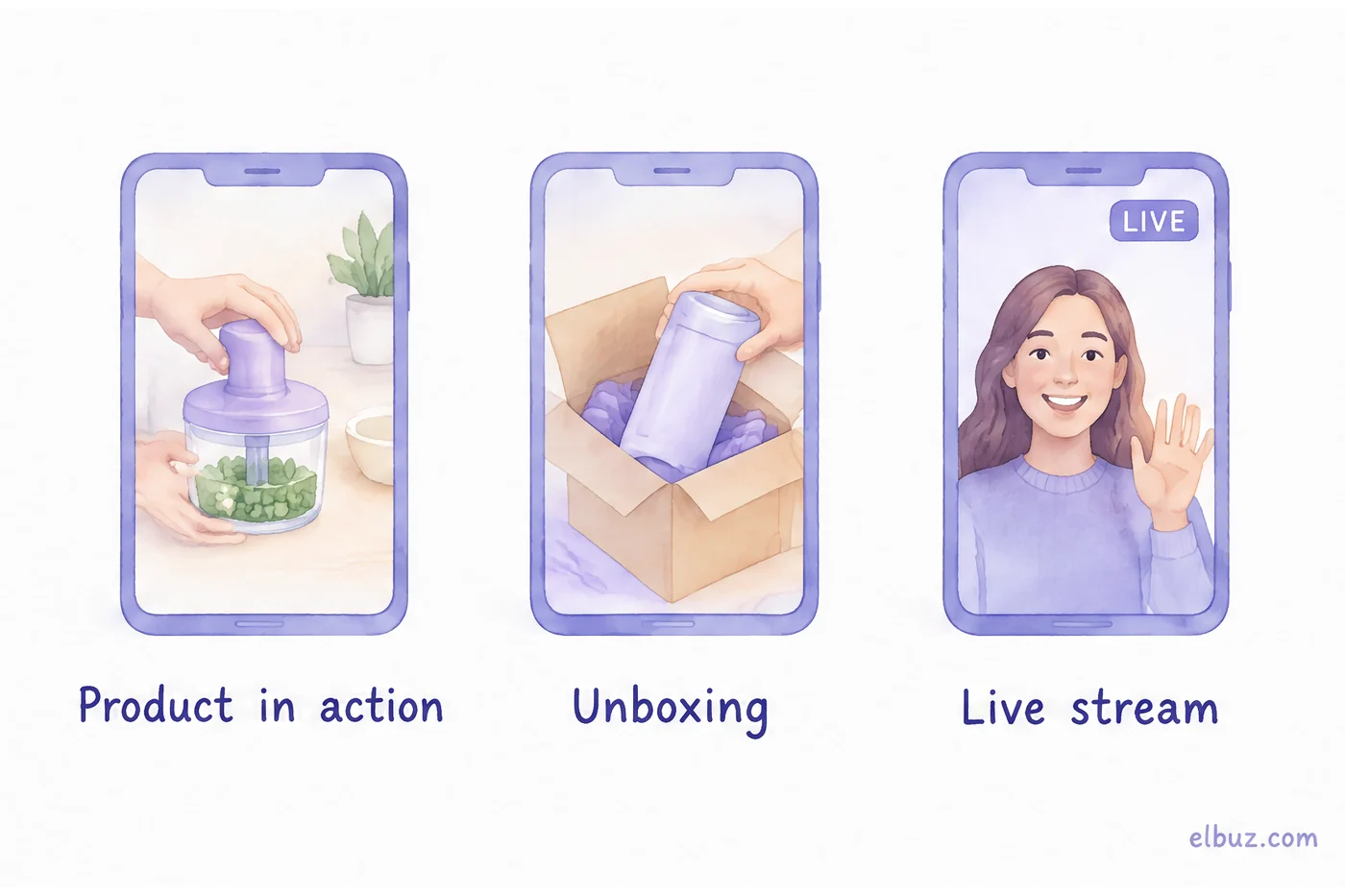
- Product in action. The chopper chops, the paint covers, the backpack takes the laptop. Show the result first, explain after.
- Unboxing and comparison. What is in the box, how it looks in the hand, how two models differ. These answer the doubts that stop a purchase.
- Reply to a comment. Someone asked whether it fits their phone: film a short answer. Everyone with the same question sees it.
- LIVE. You show products, answer questions live and pin the product. Works when the range is wide and questions are many.
- Creators. In the affiliate program approved creators promote your products and earn a commission on sales. You pay only for orders, but that commission comes out of the same order as your ads would.
Measure orders and revenue per video, not views: a video with a million views can sell nothing, and a modest one can bring buyers every day.
TikTok Shop fees and how much you can pay for an order
You can spend on ads or creator commission no more than what is left from the order after the cost of goods, the TikTok Shop commission, shipping and the profit you want. Calculate this limit before you launch ads, then compare it with the actual cost per order in Ads Manager.
The commission is set per market and category, and it is charged on what the buyer pays including shipping:
| Market | Standard rate | Lower rates |
|---|---|---|
| United States | 6% of customer payment plus platform discount, minus tax | 5% for some categories, such as pre-owned goods and fine jewelry |
| United Kingdom | 9%, VAT included | 5% for electronics and some beauty categories after the new-seller period; reduced rates for new sellers who complete missions |
| Poland | 9% | 7% for electronics; 2% for 90 days for the first sellers |
On top of the commission, a refund costs a part of the fee: in the US TikTok keeps 20% of the referral fee on a refunded order, up to $5 per SKU. Creator commission and optional promotion programs are separate. Check the current rate for your category in Seller Center before you price.
Illustrative example for the arithmetic, not market prices. A seller in the US, where the standard commission is 6%. The product sells for $40 before sales tax, with no platform discount, and costs you $20. The commission at 6% is $2.40, shipping and packaging $3.60, so fees total $6. You want to keep $6 from each order. That leaves up to $8 per order for ads, or a creator commission of up to 20% of the price.
| Metric | Conversion 2% | Conversion 1% |
|---|---|---|
| Cost per click | $0.16 | $0.16 |
| Clicks per order | 50 | 100 |
| Ads per order | $8 | $16 |
| Difference from the limit | $0 | −$8 |
| Profit per order | $6 | −$2 |
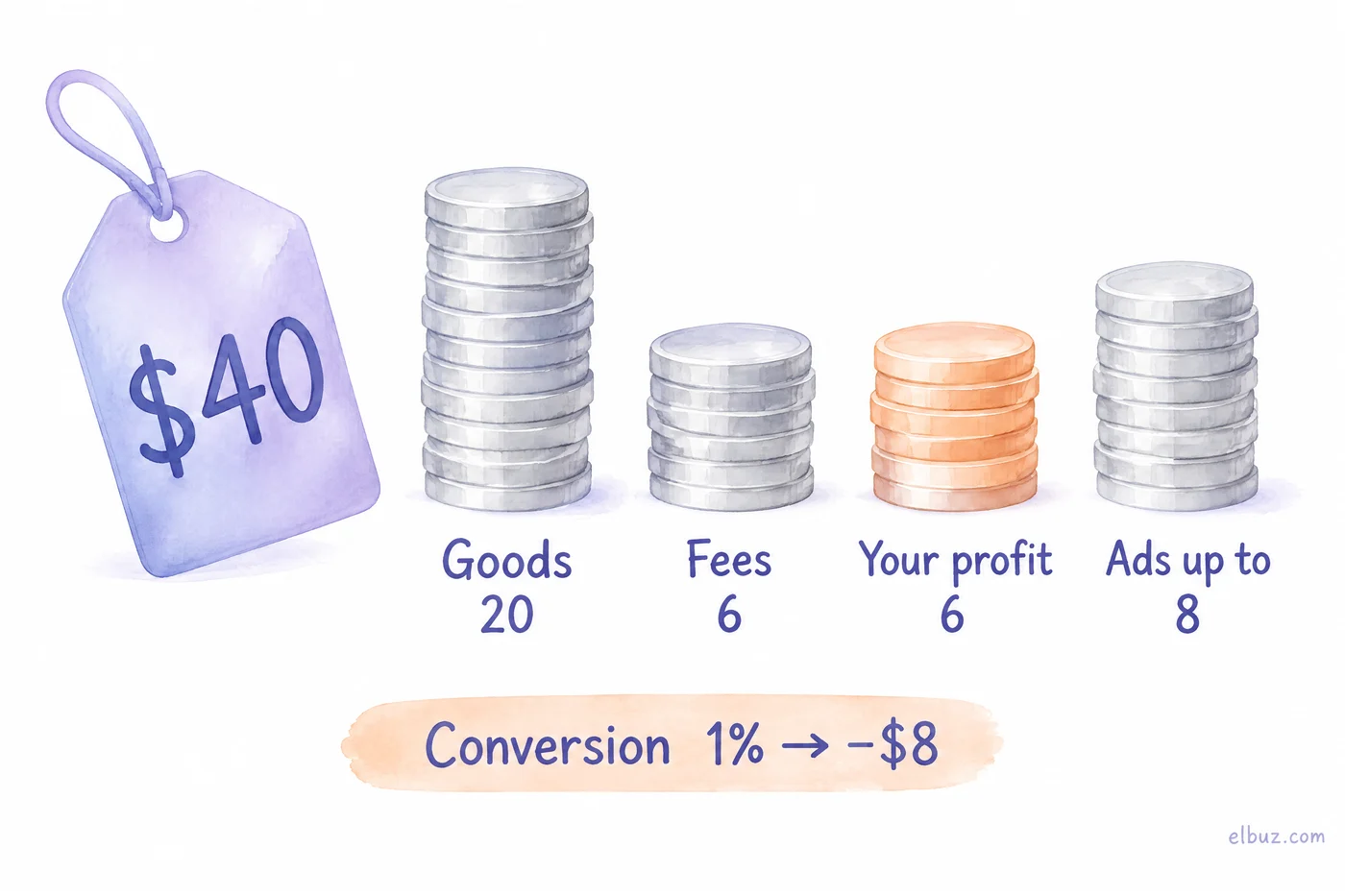
The same cost per click gives profit or loss depending on how many viewers buy: the product card, the price, the reviews. Before raising the budget, check how many visitors become buyers. Plug in your own numbers in the profit margin calculator; how to build the commission and ads into the price is covered in how to calculate markup.
How to sell on TikTok without TikTok Shop
If your country is not on the list, or you want the orders on your own website, sell through the link in your profile: the video brings the viewer to the profile, the profile to a page where they can buy. Every step must be short: the more taps between the video and payment, the fewer people get there.
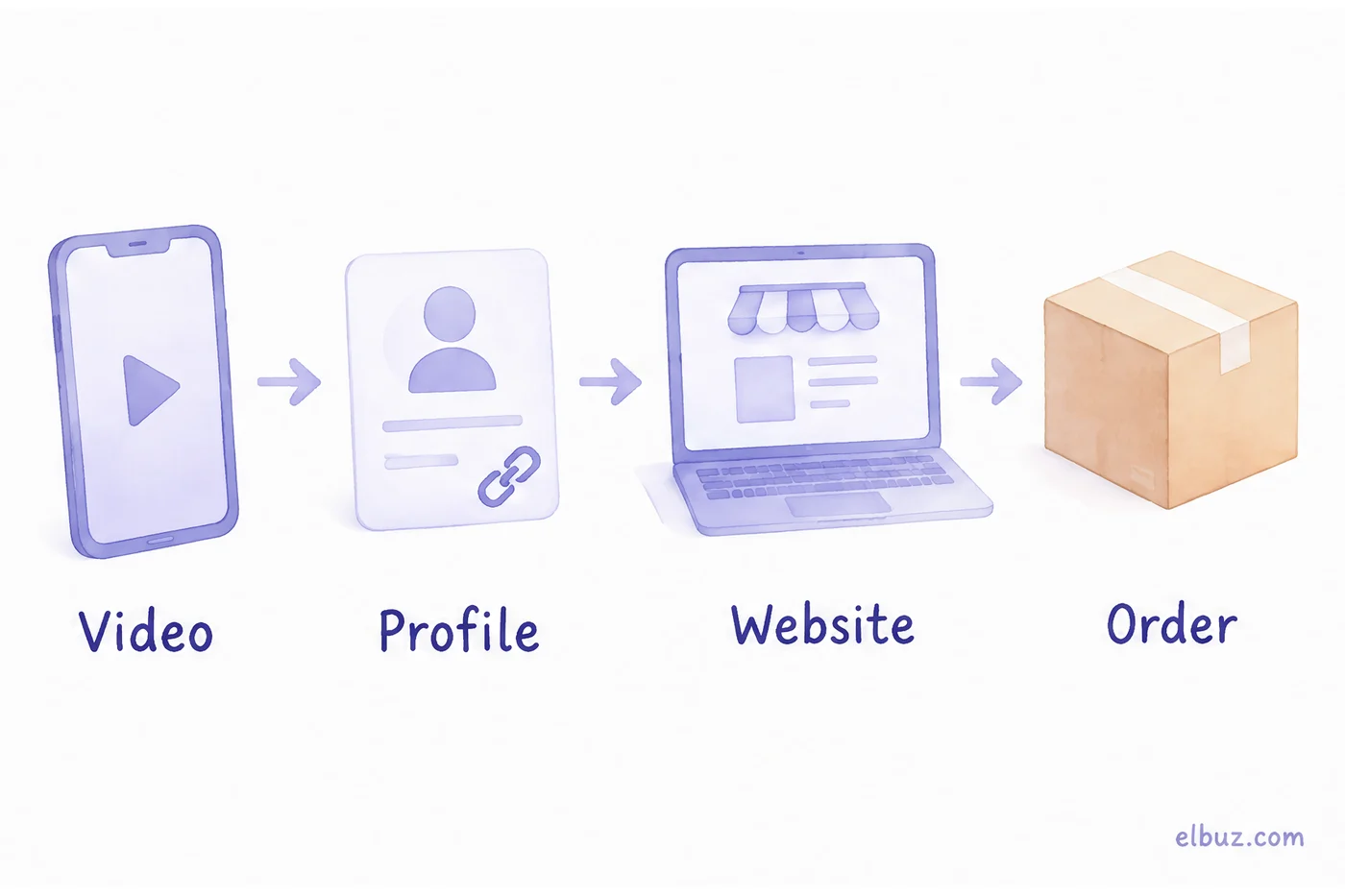
- Business account. Switch to a business account in settings: you get video analytics and access to ads.
- Link in profile. Point it to your website or marketplace store. If the website field is missing, the app shows its conditions in profile editing.
- Product page, not the home page. The viewer came for one product. Send them to it, or to a collection of exactly the products in the video.
- Price in the caption or first comment. "How much?" without an answer is a lost order.
- Catalog ads. TikTok can show your products in ads from a catalog that updates itself from a feed URL on a schedule, so prices and stock in ads match the site.
Where sellers lose money on TikTok
- Pricing without the commission. The price was set for the website; on TikTok Shop the commission and creator fee come out of the same margin.
- Counting views instead of orders. Views do not pay for stock.
- Scaling ads without the limit. If an order from ads costs more than the limit, a bigger budget only grows the loss.
- Slow shipping after a viral video. Orders come in waves; if stock and dispatch cannot keep up, late orders and cancellations follow.
- Different prices and stock in every channel. When TikTok Shop, the website and marketplaces are updated by hand, the shop sells what is no longer in stock.
When TikTok Shop is one of several sales channels
Once TikTok Shop sells next to your website and marketplaces, the work is in keeping one catalog: the same products, prices with the commission built in, stock that does not oversell, orders in one list. Elbuz connects TikTok Shop to the catalog you already keep: it publishes products with photos, sends prices by your markup rules and stock to the TikTok Shop warehouse you choose, and brings orders into the same list as website orders. How it works is on the TikTok Shop integration page.
For catalog ads, Elbuz builds a TikTok feed from the same catalog as the Google and Meta feeds, see product feeds for Google Shopping, Meta and TikTok. Elbuz does not film or post videos. If you sell a few products and only on TikTok Shop, Seller Center alone is enough.
TikTok Shop integration with ElbuzProducts, prices, stock and orders from one catalog, 14 days free
Frequently asked questions
Is creating a TikTok Shop free?
Yes, there is no setup fee. TikTok takes a commission on each sale; the rate depends on the market and category and is shown in Seller Center.
What are the TikTok Shop fees?
There is no setup fee. TikTok takes a commission on each sale: 6% in the US (5% in some categories) and 9% including VAT in the UK. Creator commission, if you use creators, comes on top.
Do you need 1,000 followers to open a TikTok Shop?
No. The seller requirements are a supported market and verification. Follower thresholds apply to creators in the affiliate program: in Poland, for example, TikTok set 1,500 followers.
Do I need an LLC to open a TikTok Shop?
Not necessarily. Seller Center accepts businesses, brands and individual sellers; which documents you need depends on the country and business type you choose at registration.
How do I get paid on TikTok Shop?
To the bank account linked in Seller Center, after the order is completed and the return window has passed.
Can I sell on TikTok if TikTok Shop is not available in my country?
Yes, through videos and a link in your profile to your website or marketplace store, plus ads. See how to sell without TikTok Shop.
Sources
- TikTok Shop Seller Center: market list, who can sell, sign-up steps, setup fee, 6% commission, payouts — seller.tiktok.com.
- TikTok Shop Academy US: "TikTok Shop Referral Fee Updates", refund administration fee, registration as an individual, sole proprietorship or business — seller-us.tiktok.com.
- TikTok Shop Academy UK: "Platform Commission Fee", "TikTok Shop UK Commission Rate Policy", seller registration documents — seller-uk.tiktok.com.
- TikTok Newsroom, "TikTok Shop expands across Europe", 28.05.2026 — newsroom.tiktok.com.
- TikTok Newsroom, "TikTok Shop wystartował w Polsce", 15.06.2026: documents, 9% / 7% / 2% commission, 1,500 followers for affiliate creators — newsroom.tiktok.com.
- TikTok Ads, catalogs and Data Feed Schedule — ads.tiktok.com/help/article/create-manage-catalogs.
Checked 01.11.2026. Other figures in the article are illustrative examples for the arithmetic.


