
Specs and attributes
Specs live in one attribute library and are switched on only in the categories that need them: tick one box and the field appears on every product in that category.
Purchasing and product department one of the departments in your AI company
PIM (product information management) software is a single product catalog that sends specs, photos and descriptions to your website and marketplaces with no copy-pasting.

A product catalog for your online store: everything about a product lives in one place, not in five spreadsheets.
Specs live in one attribute library and are switched on only in the categories that need them: tick one box and the field appears on every product in that category.
Photos from supplier price lists and supplier websites go into product records without duplicates. The product record shows the name, descriptions, prices, stock and photos on one screen.
Names, descriptions and specs are stored separately for each language, and Elbuz translates them for you: with one click, on a schedule or after every catalog update.
Prices and stock arrive in the same catalog from supplier feed processing, on a schedule and with no manual edits.
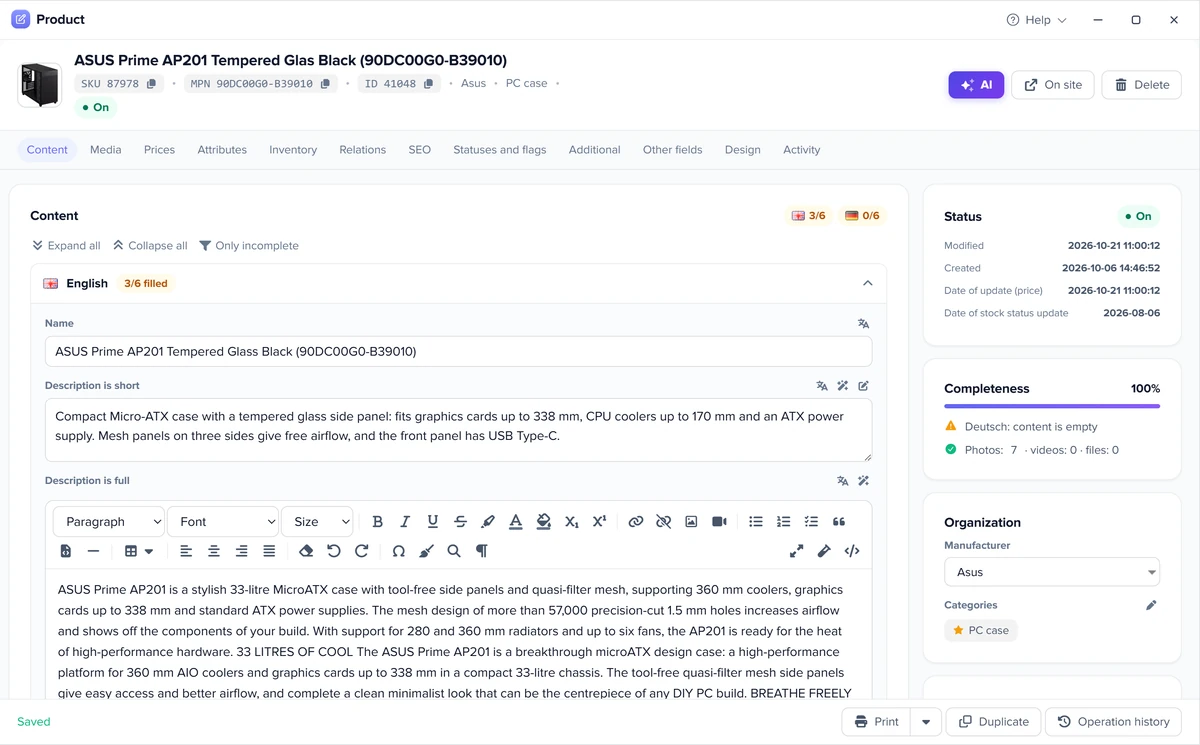
One product record is assembled from several sources and published to your website and marketplaces.
Demo: one product record is assembled from three sources and sent to your store and marketplaces. The product and data are an example.
Product recordIncomplete
One record from three sources — in your store and on three sales channels.
Sources: the website scraper and automatic product content; prices come from supplier price lists.
The same catalog runs your website, your marketplaces and several stores at once.
For OpenCart, WooCommerce, PrestaShop and other platforms, products, prices and texts go through the Elbuz Tunnel module straight into your store database. You don't have to switch platforms.
The same records go out in parallel, by feed or API, to Amazon, eBay, Allegro, Kaufland, eMAG and other marketplaces, and to Google Shopping, Meta and TikTok catalogs.
One catalog runs several websites: each has its own product range, prices and stock, and each export takes only that store's products.
No website yet? There is Elbuz CMS. How products get to sales channels: product feeds.
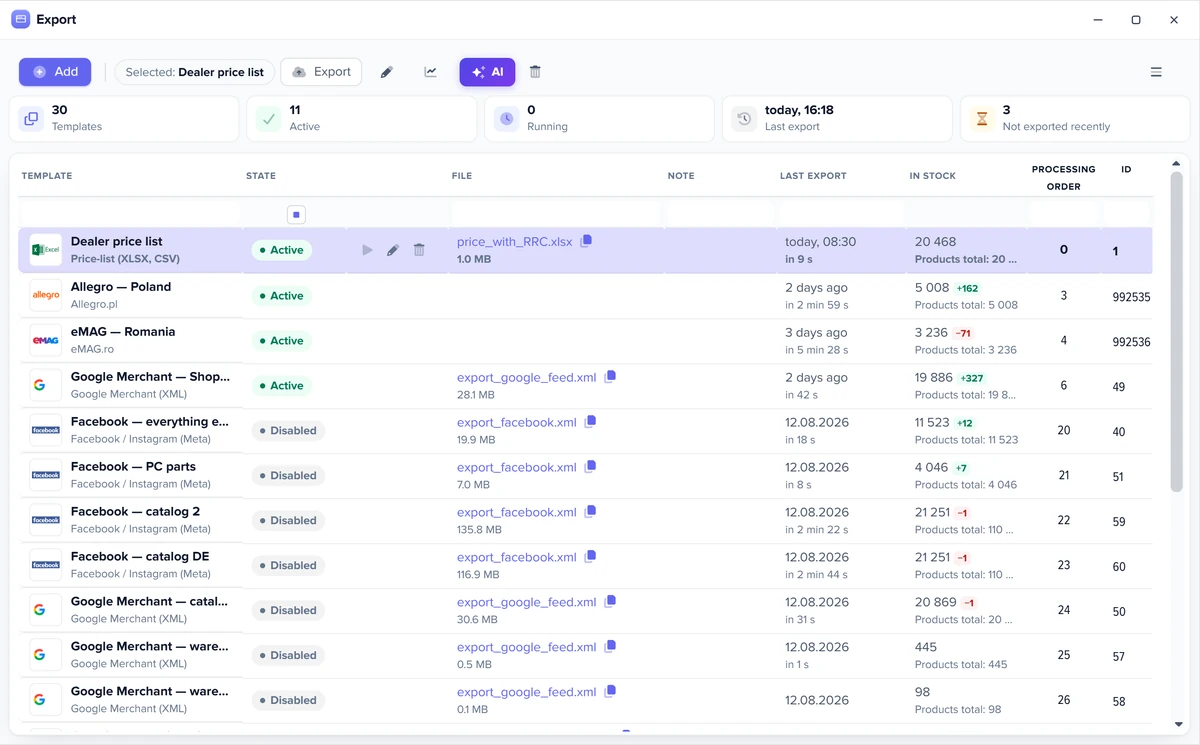
AI cleans up and merges duplicates, and supplier specs become attributes of your catalog.
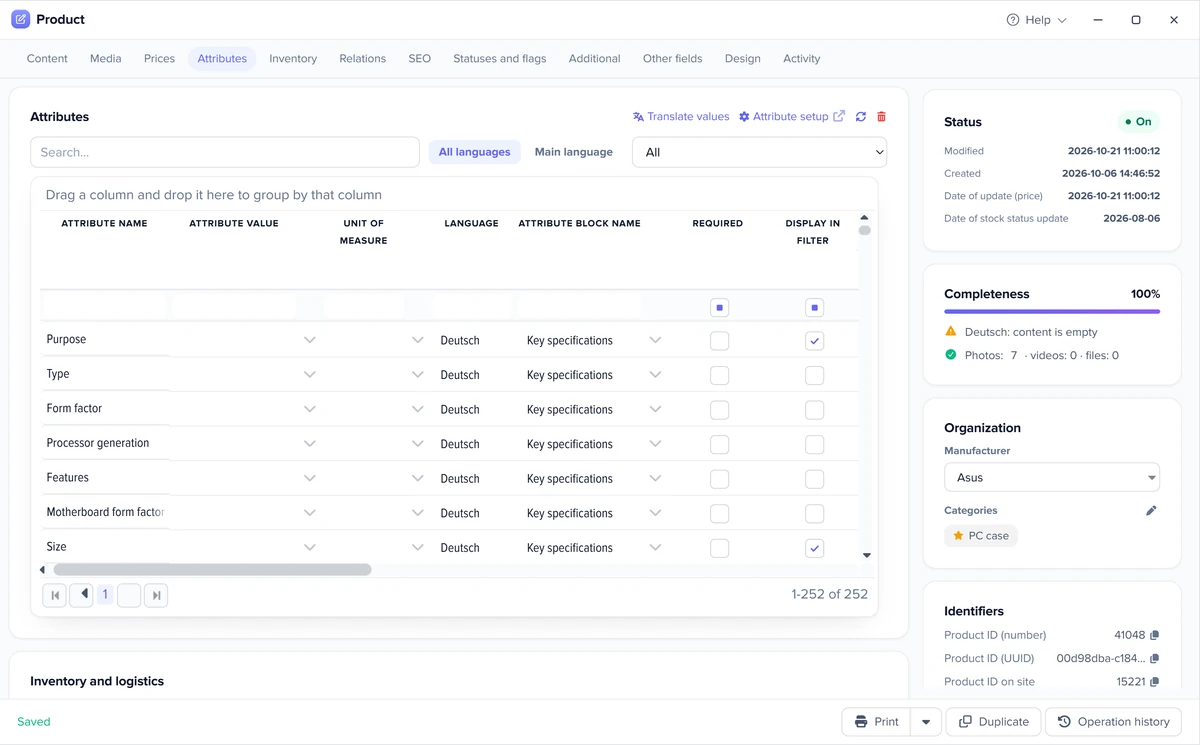
How specs from supplier websites get into your catalog: website scraper.
One product record that fits each marketplace's requirements.
You map your categories and specs to the taxonomy of Amazon, eBay, Allegro, Kaufland, eMAG or Google Shopping once, and every export fills in their codes automatically. Your own catalog stays yours.
The full picture of selling on marketplaces: marketplace automation.
Build the catalog from supplier price lists or move it from your old website. No coding needed.
Moving your whole store: store migration.
PIM software manages product content; your storefront and back office sit right next to it, in the same system.
| System | Responsible for | In Elbuz |
|---|---|---|
| PIM | Prepares product information so it is complete and consistent in every channel | Product catalog with attributes, photos and translations |
| CMS | Shows products to shoppers on your website | Your website on any platform, or Elbuz CMS |
| ERP | Runs purchasing, inventory and money | Supplier price lists, inventory and documents, right next to the catalog |
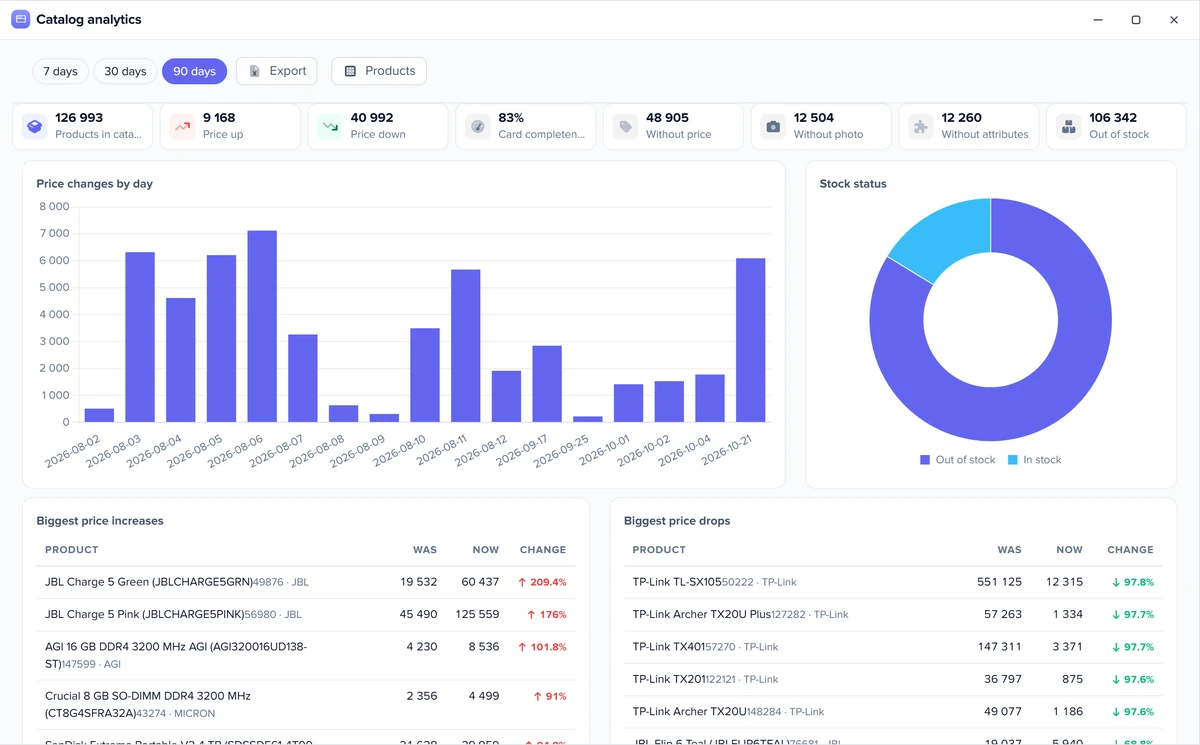
Real Elbuz windows with demo data.
PIM is one place for all the information about your products: names, specs, photos and descriptions in several languages. From there it goes out to your website and marketplaces. In Elbuz a product record is assembled from supplier price lists, supplier websites and your own edits, instead of being retyped for each channel.
A CMS shows products to shoppers, an ERP runs purchasing, inventory and money, and a PIM prepares the product information itself for every channel.
From supplier price lists, from supplier websites through the scraper, and from a web search where AI checks that it found your exact product.
Through export templates: a feed, an API or the Elbuz Tunnel module that writes into your store database.
Yes, and you don't need to switch platforms: Elbuz keeps the catalog separately and sends products to your website.
A custom build makes sense when your processes are truly unique, but it is expensive to maintain: every new supplier, marketplace or language means a code change. Ready-made PIM software already imports price lists, collects content, translates and exports to marketplaces, and you configure it with rules, without a developer. In Elbuz our support team moves your data from another app or website for free.
We don't promise an exact timeline: it depends on how many suppliers, categories and channels you have. The longest part is mapping categories and specs once; after that the app applies the mapping to every new price list by itself. Elbuz support moves your data from another app or website for free.
Yes: each store gets its own product range, prices and stock from the same catalog.
Texts are stored separately for each language, and Elbuz translates them through Elbuz Translate, Google Translate or DeepL.
Merge them into one. AI helps find the duplicates, and the app remembers the names.
There is no limit. The number only affects the price: billing depends on the number of products (the larger of your catalog and your price lists) and users, and one user is included in the base plan. More: pricing.

14 days free
The purchasing and product department comes with your AI company along with every other department. Get €50 on your balance after sign-up and 14 days to build a catalog from your own price lists.
Updated