
Scan the barcode — it's on the receipt
The scanner works like a keyboard: a barcode, SKU or name and Enter. Popular items without a barcode sit at hand as tiles, and F2 or F4 takes cash or card.
Sales and customers department one of the departments in your AI company
A cloud POS system for your store in Elbuz: the cashier scans an item and clicks “Cash” or “Card”, and the order, the stock write-off and the cash receipt are created on their own — in the same program as your online store.
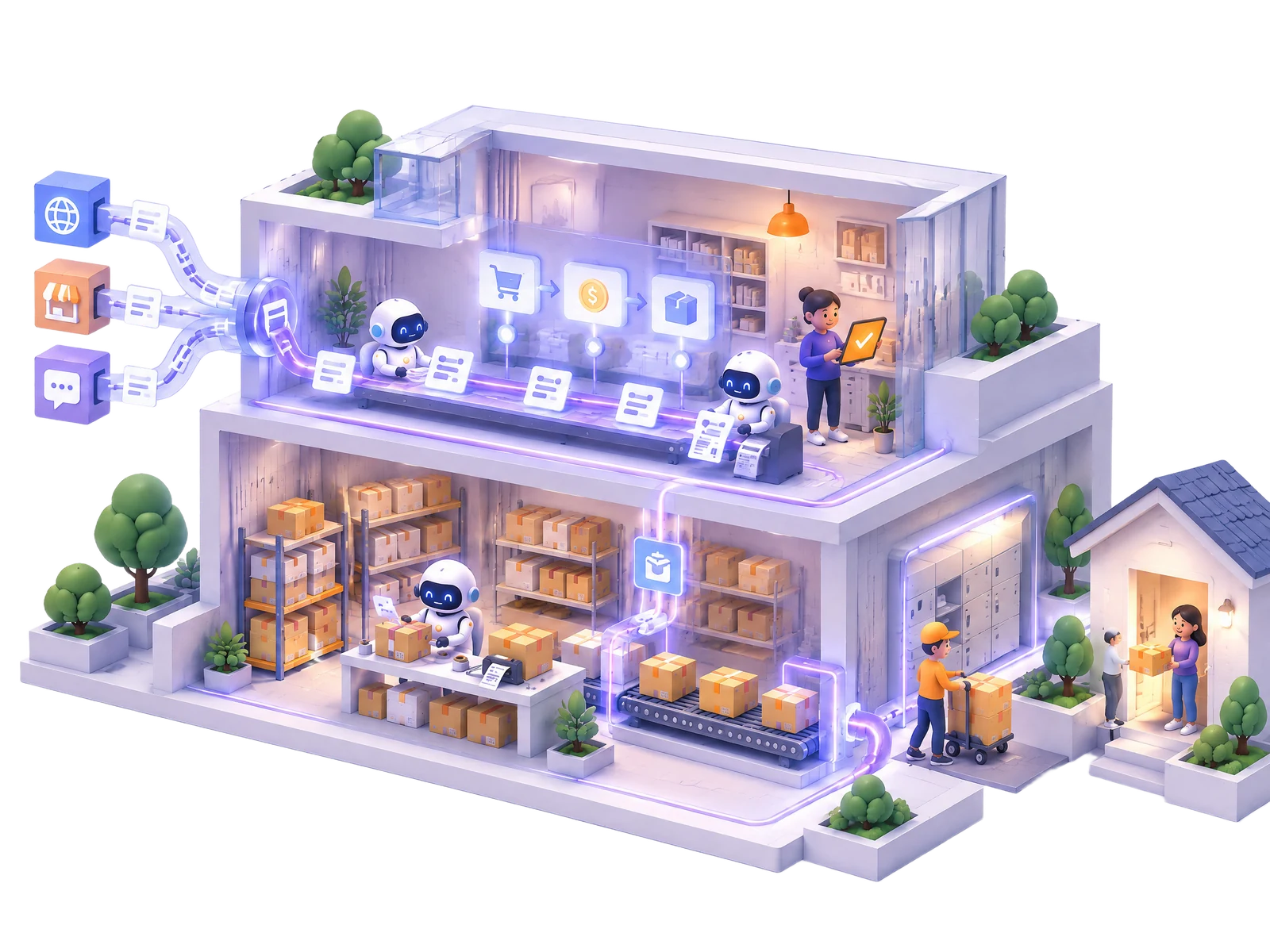
A POS system (in the UK often called an EPOS system) is the software at your point of sale: it takes the payment, writes the item off stock and keeps count of the cash on a shift. In Elbuz the till opens in a browser, and the order, the stock write-off and the cash receipt are created on their own after each sale.
The scanner works like a keyboard: a barcode, SKU or name and Enter. Popular items without a barcode sit at hand as tiles, and F2 or F4 takes cash or card.
The price comes from the product card by the till's rule, and a sale price wins. A discount or a manual price needs a permission and can't go below the limit the owner set.
A float to start, cash in and cash out, an X report at any moment. At closing the till shows how much should be in the drawer and the difference.
Every sale is a completed customer order, a sales receipt that writes stock off the store's warehouse, and a cash receipt. A return by sale number gives back the money and the points.
Demo: the cashier takes a card payment on a smartphone, and the order, the stock write-off and the cash receipt appear in Elbuz on their own.
TillShift no. 14
| Item | Qty | Amount |
|---|---|---|
| Sony WH-CH720N headphones | 1 | £89.00 |
| Headphone case | 1 | £12.00 |
CustomerEmma W. · 120 points
To pay£101.00
TerminalmyPOS Glass£101.00 · approved
Elbuz · Documentscreated by the sale
Customer order—
Store stock6 pcs
Cash receipt—
Sales receipt—
Sale posted: order, stock write-off, cash receipt and sales receipt without typing anything in.
A separate till program means two sets of records: stock, customers and sales have to be matched by hand later. In Elbuz the till works in the same program as the orders from your online store and marketplaces, so this is omnichannel retail without a connector in between.
| Till in Elbuz | Separate till program | |
|---|---|---|
| Stock levels | a till sale lowers the store's stock at once; your website and feeds see it | stock is moved to the store system by hand or by file exchange |
| Customers and points | one customer card: points earned online are spent at the till and the other way round | a separate customer base for the till |
| Promo codes | the same code works at the till and on the website | separate promotions in each program |
| Sales in reports | a till sale is an order with the store as its source, next to online orders | the till report lives apart from the store reports |
Several stores — several tills: each has its own warehouse, cashiers and shift, or they share one warehouse. Orders from every channel are in order management, and the website can run on Elbuz CMS with the same products and stock.
The cashier picks the method with a button, and the software works out the change, splits a mixed payment into two cash receipts and doesn't post the sale until the money arrives.
“Received from the customer”, quick amounts and change. Split payment: part cash, part card — one sale.
The “Card” button works with the card terminal you already have, in any country: the cashier confirms that the terminal approved the payment.
An Android till phone with NFC takes cards in the myPOS Glass app: the amount and currency come from the receipt, and the sale posts itself once Glass confirms. myPOS serves merchants in the UK and the EEA, not in the US.
The customer scans a QR code and pays on their own phone through your Stripe account. The sale posts when Stripe reports the payment.
What works in your country and how to set it up — Card payment at the till (opens in a new tab) ↗, myPOS Glass at the till (opens in a new tab) ↗ and Paying by QR code (opens in a new tab) ↗.
Stores in the UK, Ireland and the US don't need a fiscal printer or a certified cash register, so the till prints an ordinary sales receipt, and every sale is kept in Elbuz as documents.
| Elbuz till | |
|---|---|
| Receipt | a non-fiscal 80 mm sales receipt from the browser, on any receipt printer |
| Price on the receipt | the price from the product card; the till doesn't add tax on top |
| Returns | by sale number: items back to stock, money and points back to the customer |
| Gift cards | sold at the till, accepted as payment, the balance stays for the next purchase |
| Shift totals | receipts, sales, cash, card, paid by QR, discounts, cash in and out, expected in the drawer |
In the UK and Ireland shelf prices include VAT, so the receipt total is what the customer pays. In the US, where sales tax is added at checkout, the till doesn't calculate it: keep that in mind and check with your accountant. Returns step by step — Returns at the till (opens in a new tab) ↗.
No special till computer and nothing to install: the till is an Elbuz window in the browser.
The till works online: the sale is created in Elbuz right away. Parked receipts are kept in the browser and posted once you're connected.
Any scanner that types like a keyboard — nothing to set up.
The 80 mm sales receipt prints from the browser window. For card payments — your own terminal, an Android phone with myPOS Glass or a Stripe account for QR.
Who can change a price, give a discount, take cash out or do returns — separate permissions for each department.
The till is built for retail stores: it has no tables or kitchen orders, and the quantity on a receipt is a whole number, so items sold by weight can't go through the till.
Without shifts, the till sells right after the first step: stock goes down, money goes into cash receipts.
The store, warehouse, price rule and discount limit — in the “POS” window → “Till settings”.
Pick the staff in “Cashiers”, decide whether to run shifts and give the department the permissions it needs.
If you need them — myPOS Glass for the till phone or Stripe for QR.
Scan an item and click “Cash” or “Card”.
Step-by-step instructions are in the Elbuz help.
The till software at your point of sale: the cashier scans items and takes the payment, and the software writes the stock off, records the money and keeps count of the shift. The Elbuz POS system runs in a browser and handles in-store sales together with online orders.
Yes: EPOS (electronic point of sale) is the usual UK name for till software. The Elbuz till is a cloud EPOS: it runs in a browser, and sales, stock and customers are stored in your Elbuz account.
There is no separate fee for the till: it is part of the Elbuz subscription, which depends on the number of products and users, and cashiers are users of your account. The hardware is yours, and myPOS or Stripe charge their own fees under your contract with them.
Not in the UK, Ireland or the US: there are no fiscal till rules there like in Germany or Italy. The Elbuz till prints an ordinary 80 mm sales receipt and doesn’t issue fiscal receipts. Your record-keeping duties are a question for your accountant.
No: the receipt total is the price from the product card. That fits the UK and Ireland, where shelf prices include VAT. In the US, where sales tax is added at checkout, the till doesn’t calculate it.
In the UK and Ireland — with the myPOS Glass app on an Android till phone with NFC: the cashier clicks “Terminal” (F10), Glass opens with the receipt amount, and the sale posts itself once it’s confirmed. myPOS doesn’t work in the US: there you use your own card terminal with the “Card” button or a QR code via Stripe. Details — myPOS Glass at the till.
No: a sale is created in Elbuz right away, so you need a connection. Parked receipts are kept in the browser, but they can only be posted online.
Yes: each till has its own store, warehouse, cashiers and shift, and several tills can share one warehouse. All their sales sit in one list next to your online orders.
No, it’s built for retail stores: there are no tables or kitchen orders. The quantity on a receipt is a whole number, so items sold by weight can’t go through the till.
14 days free
The till is included in the Elbuz subscription along with every department of your AI company. After sign-up you get €50 on your balance and 14 days for your first sales.
Updated