




Subsections
Section Articles
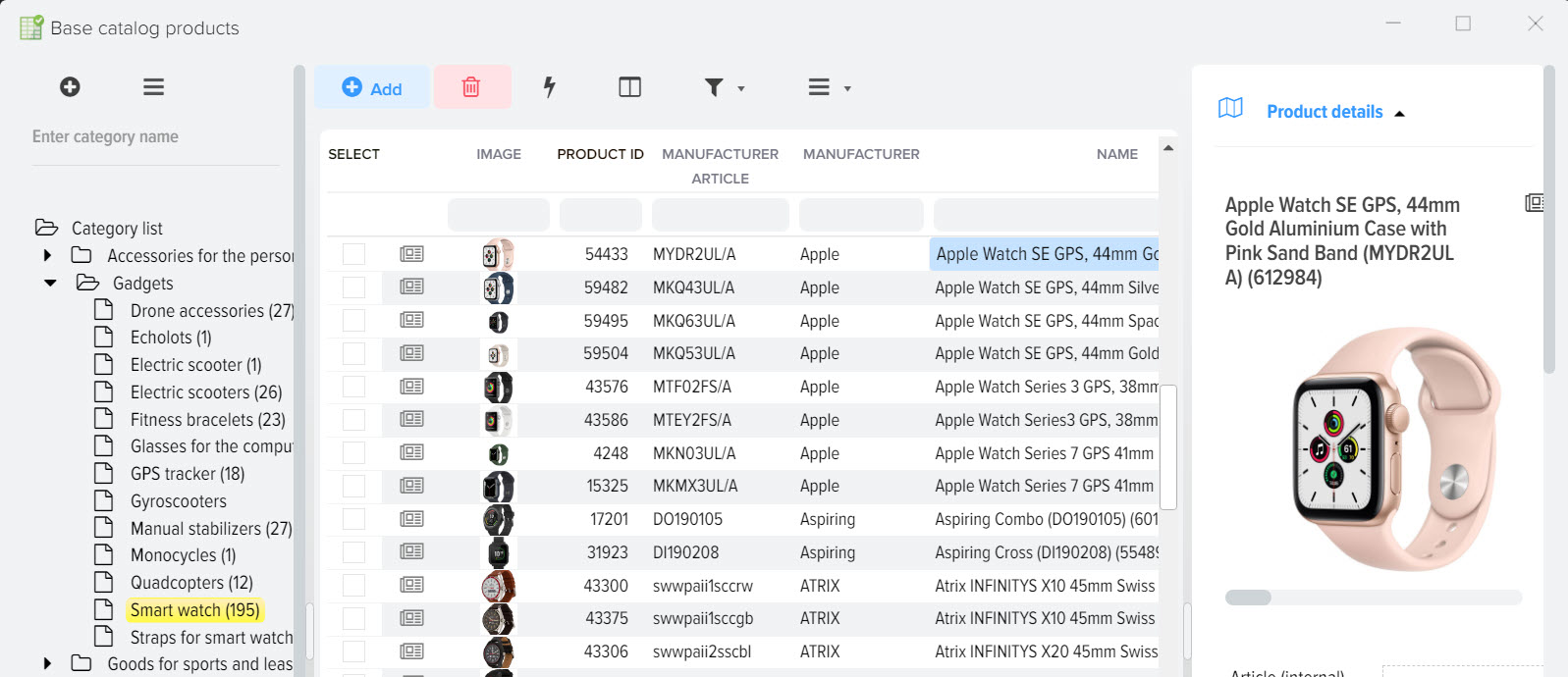
Base catalog product list, online store showcase
Products of the base catalog are a showcase of your online store (website). All changes made in the base directory will be sent to the site when it...
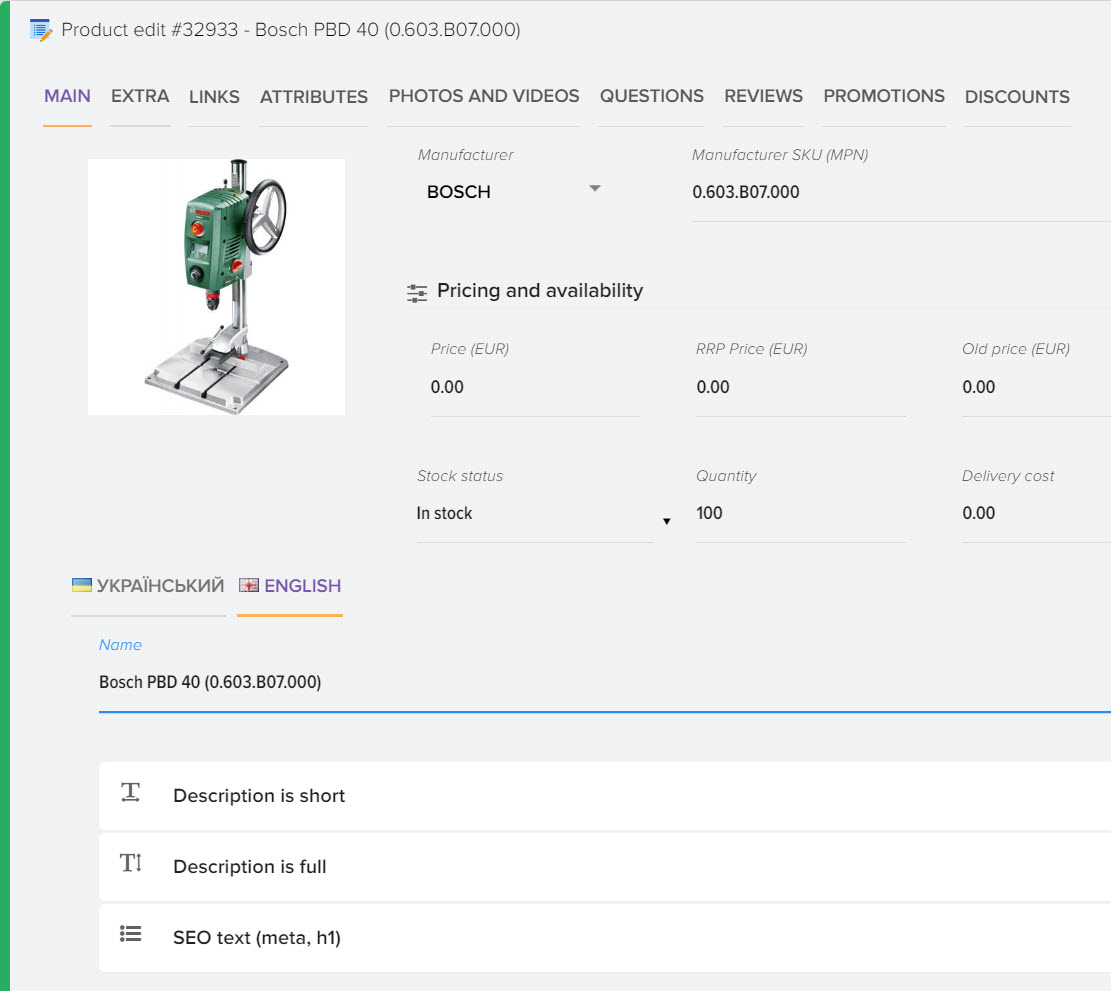
Card Product
To get full information on the product and edit this information, open the product card, to do this, click this button The data in the product car...
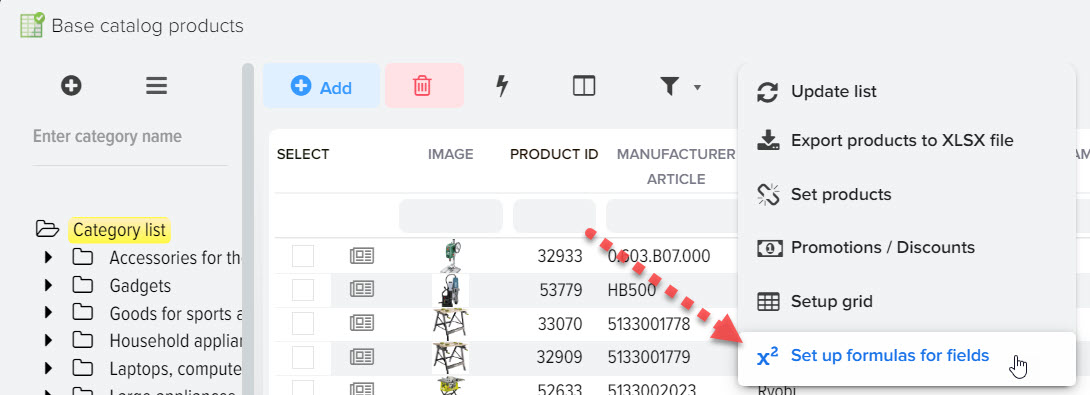
How to copy a value from a field to an attribute (property, characteristic)
Copying values from a field to an attribute is possible using a formula. To copy a field value to an attribute: Select the attribute to which you ...
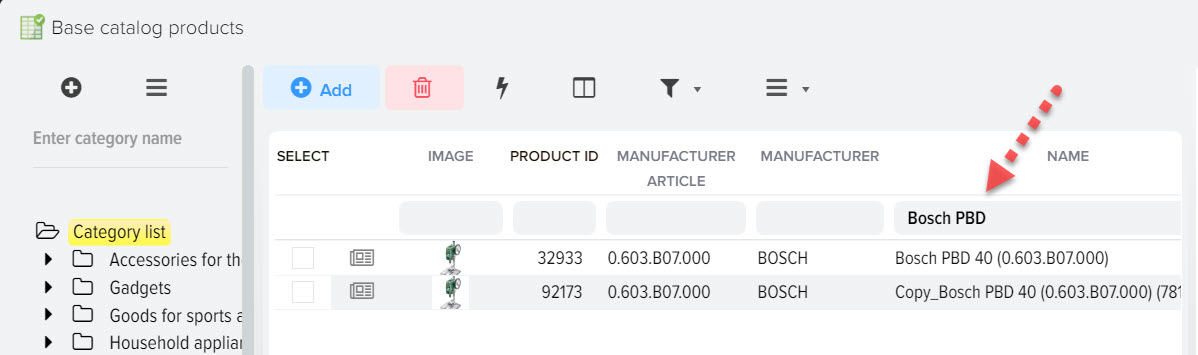
How to change category for multiple products
You can quickly change the category for many products, as well as establish a link for several categories in which you want to display the product ...
How to copy an attribute value into an additional field
Copying attribute values to an additional field is possible by creating a formula To copy attribute values to an additional field: Select the fiel...
How to add a new item
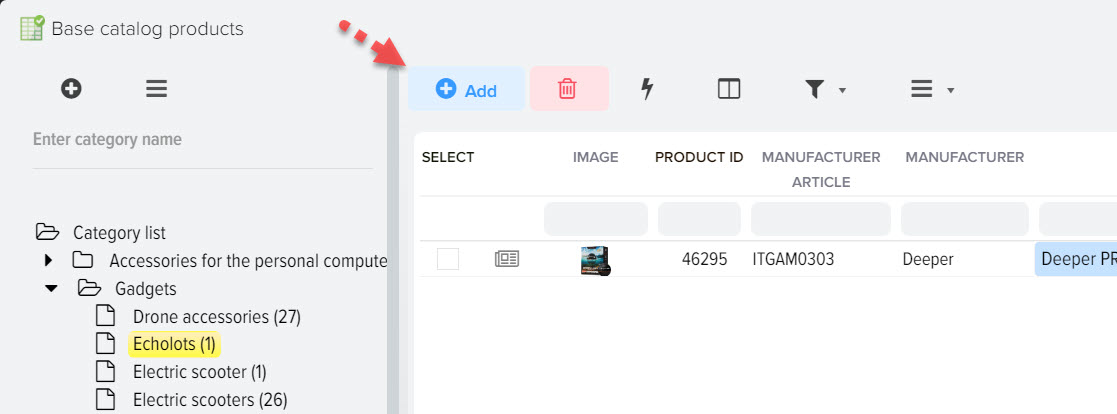
Products can be added to the base catalog in different ways, it all depends on the task and the initial data. Adding an item manually The easie...
How to bulk change the values in the field for products
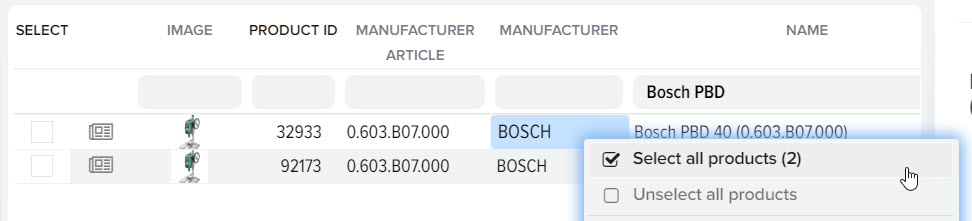
You can quite easily change the values for many products, for this you need to mark the necessary products with the "Select" flag. You can prelimin...

Product attributes (characteristics, properties, options)
Product attributes allow you to describe the functionality of the product. For example "Screen diagonal 19 inches", in this example "Screen diagona...


Website text generator
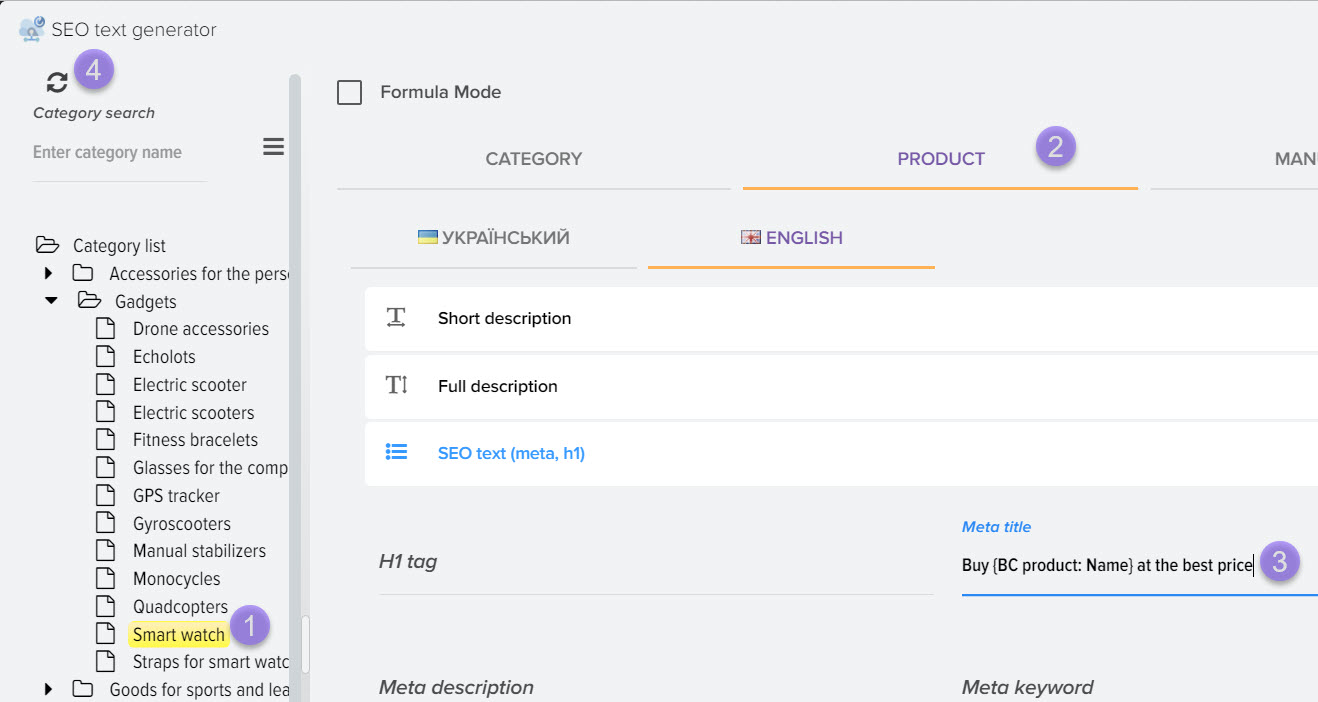
The text generator will allow you to dynamically generate a text for each category and products of this category, taking into account macro substit...
SEO URL Generator
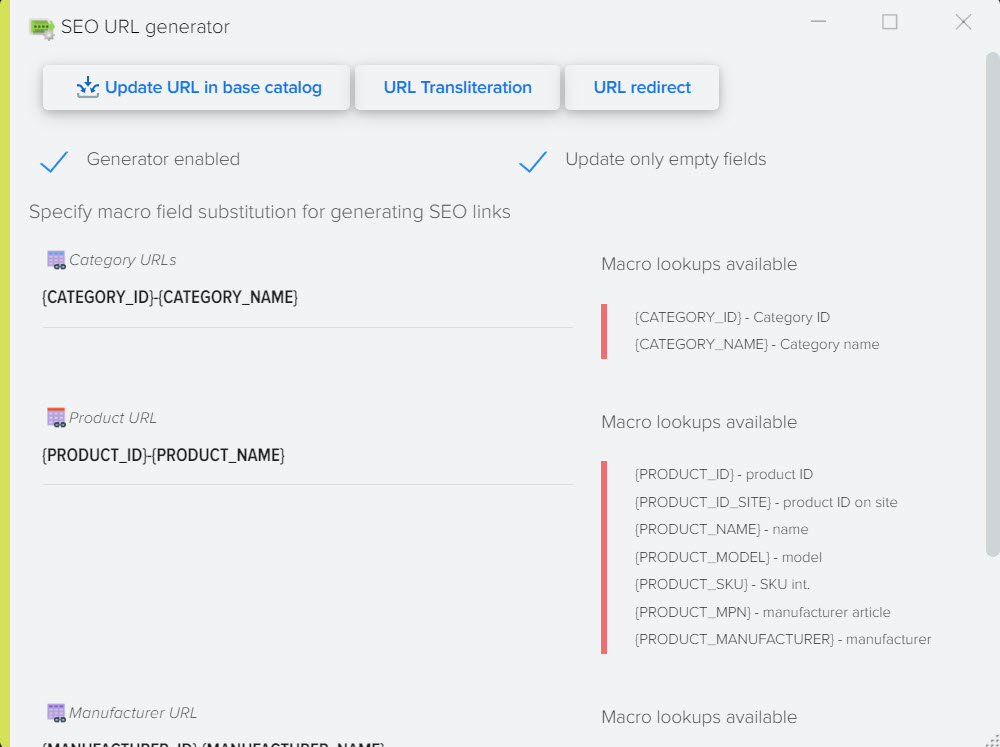
The SEO URL generator allows you to create link names in latin based on the names of elements. For example, there is a product with the name: Refri...
Showing 1 to 12 of 25 (3 Pages)