


Для масового перекладу назв категорій, товарів, атрибутів, значень атрибутів, описів та іншої інформації ви можете використовувати один із варіантів, один з них це сервіс Google Translate.
Для роботи системи перекладів від Google потрібно отримати токен (пароль). Перейдіть за посиланням https://cloud. google.com/translate та натисніть кнопку реєстрації .png "Переклад на інші мови за допомогою API Google Translate")
Google запропонує реєстрацію нового облікового запису або вхід для наявного .png "Переклад на інші мови за допомогою API Google Translate")
Після входу в Google Cloud створюєте новий проект за необхідності
https://console. cloud. google.com/projectcreate .png "Переклад на інші мови за допомогою API Google Translate")
Відкрийте Cloud Translation API
https://console. cloud. google.com/apis/library/translate. googleapis.com
Відкрийте Credentials
https://console. cloud. google.com/apis/api/translate. googleapis.com/credentials .png "Переклад на інші мови за допомогою API Google Translate")
Створіть новий ключ (API key) .png "Переклад на інші мови за допомогою API Google Translate")
.png "Переклад на інші мови за допомогою API Google Translate")
Скопіюйте ключ та вставте в налаштуваннях програми .png "Переклад на інші мови за допомогою API Google Translate")
.png "Переклад на інші мови за допомогою API Google Translate")
.png "Переклад на інші мови за допомогою API Google Translate")




.png)
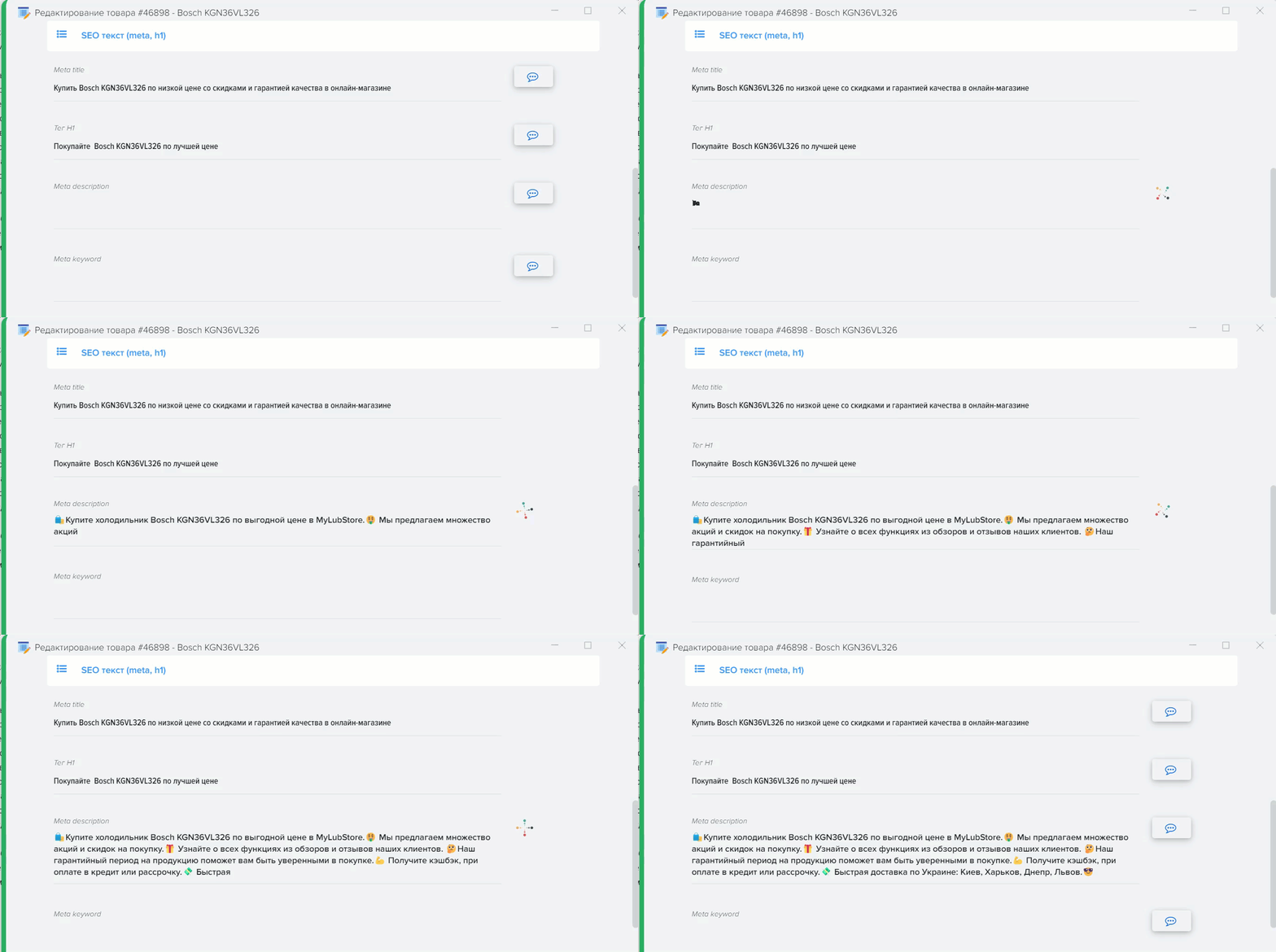
.png)
.png)
.png)
