

A product video is a 30–90 second clip that shows the item in use and up close, says who it suits and honestly names its limits. You can film it on a phone: a five-part script, daylight from a window at the side, a lavalier mic and a tripod. An expert video goes a step further: someone who knows the product explains how to choose and how the models differ.
Product videos usually fail because of what is in them, not the camera: the first three seconds show the box instead of the result, and the questions that make buyers return the item are never answered. Below: a script by the second, how to film at home, YouTube and Google Merchant Center requirements with the date they were checked, and how to pick the products worth filming first.
When people search for how to make a product video
Usually the store already has photos and descriptions, but buyers still ask in chat about size, weight and what it looks like in real life, and some orders come back marked "not as described". Then the owner searches for "how to make a product video", "product video for ecommerce" and "what video does a marketplace listing need".
The next question is usually which camera to buy. That is not the main question: a recent phone is enough. What matters more is what to say in a minute and which products need a video at all.
Product video, expert video, unboxing: which to choose
Choose the format by the buyer's question: "what does it look like" is a product video, "which one should I pick" is an expert video, "what's in the box" is an unboxing, "how do I use it" is a how-to.
| Format | Question it answers | Length | Where it works |
|---|---|---|---|
| Product video | What it looks like, how big it is, how it works | 30–90 s | Product page, marketplace listing, Shorts and Reels |
| Expert video | How to choose, how models differ, what suits whom | 3–10 min | YouTube, a blog article, email |
| Unboxing | What is included, how it is packed | 30–60 s | Product page, social media |
| How-to | How to assemble, set up, look after it | 1–5 min | Product page, post-purchase email |
The lengths in the table are a rule of thumb from practice, not platform requirements; the hard limits are in the section on platform requirements. An expert video is longer because it sells trust in the store rather than one product: someone who compares three models and says who each one is wrong for sounds more convincing than an ad.
A 60-second product video script
A product video script has five parts: action, who it is for, details, limits, choice. The first three seconds show the product working, not the box and not the presenter's face.
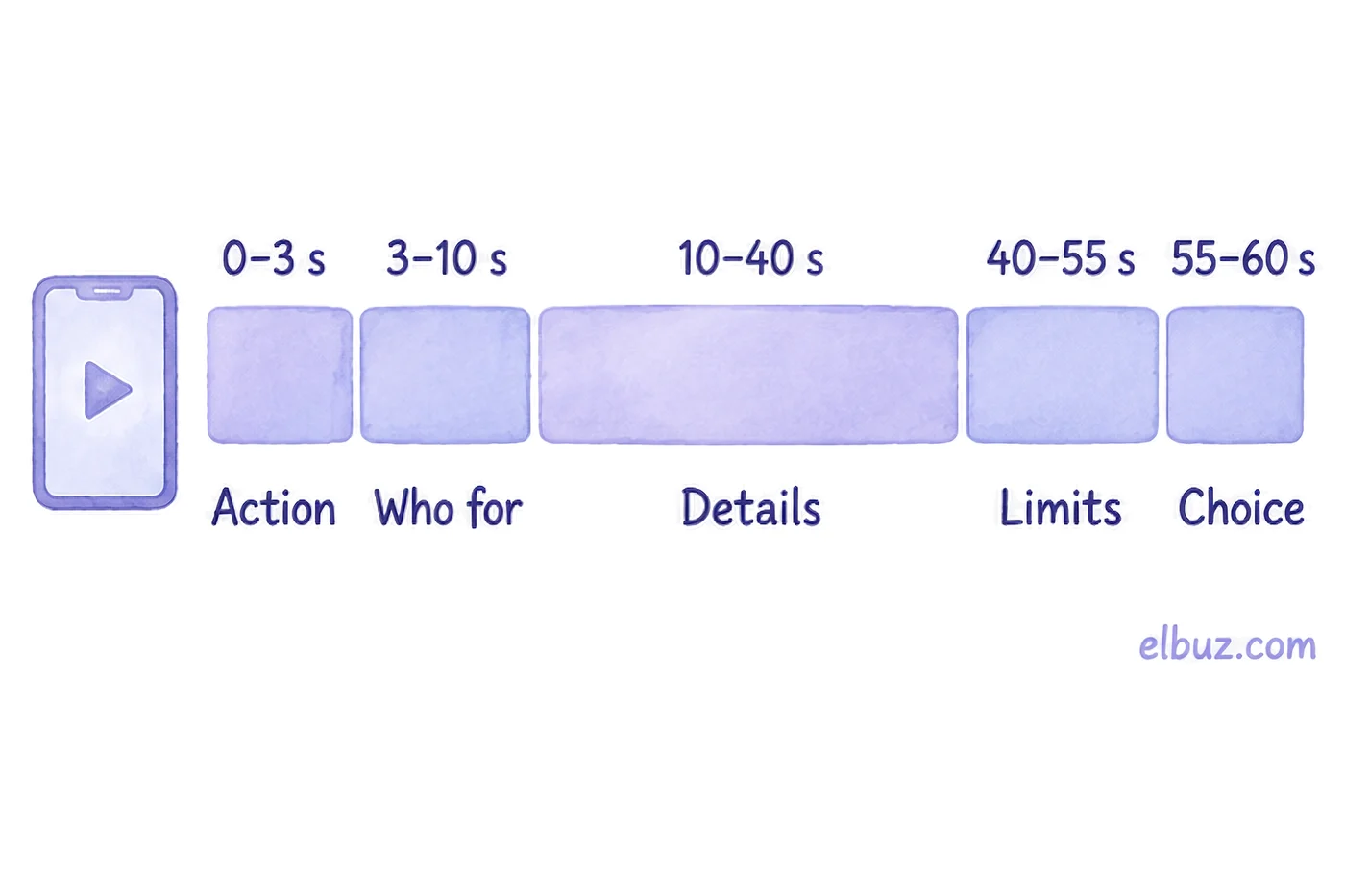
| Seconds | On screen | What to say |
|---|---|---|
| 0–3 | The product in action: a flask pouring hot tea, a backpack on someone's shoulder, a vacuum picking up crumbs | Nothing, or one line with the key feature |
| 3–10 | The product in a hand, so the size is clear | Who it is for: "for the commute, keeps drinks hot all day" |
| 10–40 | Three details up close: the zip, the material, the button, what's included | The numbers people ask in chat: capacity, weight, dimensions |
| 40–55 | What might disappoint | An honest limit: "it won't fit a car cup holder" |
| 55–60 | Colours, sizes, bundles side by side | How to pick a variant and what to do next |
The 40–55 second block feels unnecessary, but it is the one that cuts "not what I expected" returns: a buyer the product does not suit finds out before ordering, not after delivery. Lines for the first three seconds are chosen the same way as ad headlines; see the formulas in ad headline formulas and examples.
How to film a product video on a phone
All a product video needs is a phone on a tripod, daylight from a window at the side, a plain backdrop and a lavalier mic. Sound matters more than the picture: viewers forgive slightly soft focus, but not hum and echo.
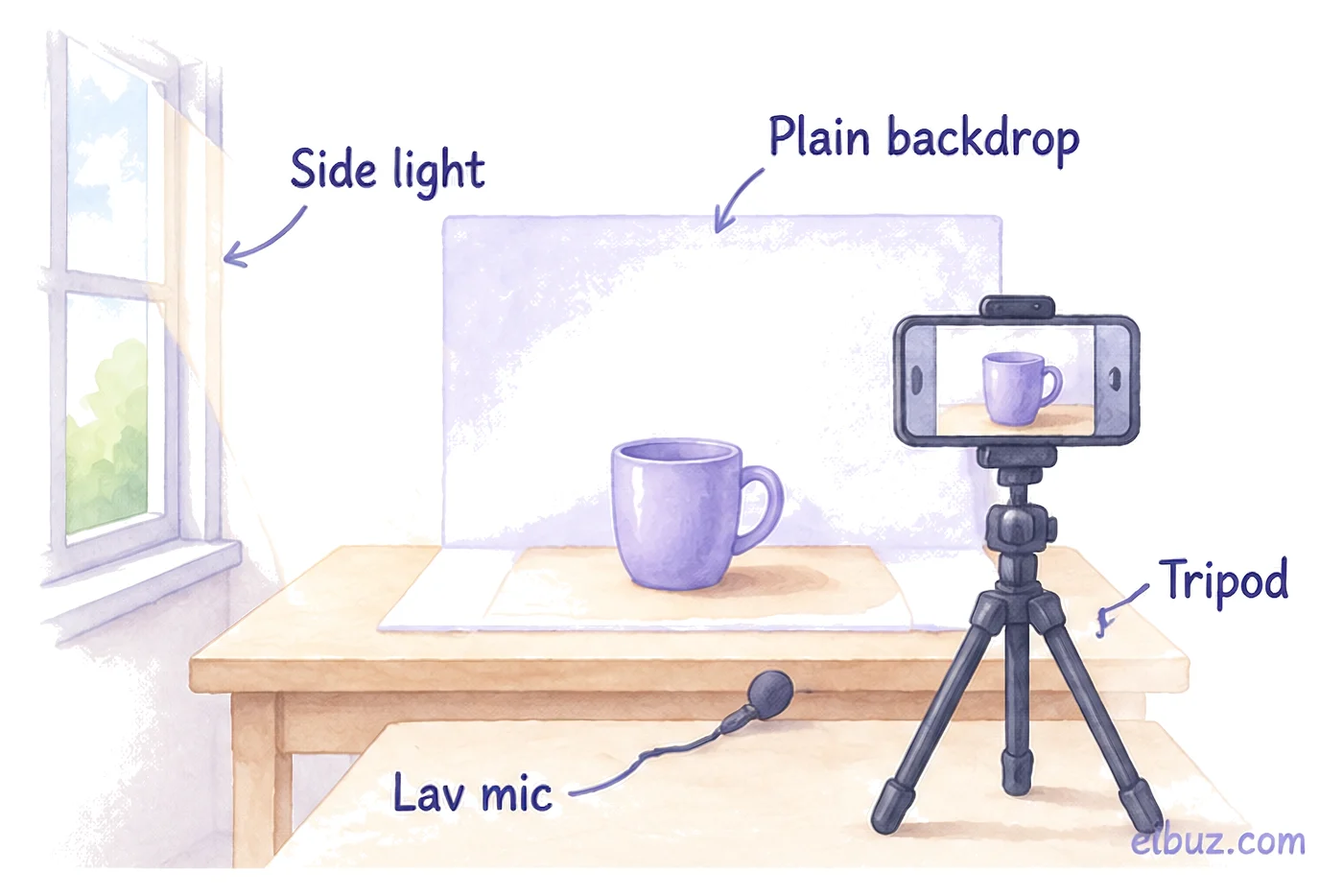
- Light. Put the product near a window so the light falls from the side, not from behind it. Do not mix daylight with warm bulbs: the product's colour will drift.
- Backdrop. A plain sheet or a wall with nothing else on it. The backdrop should not be the same colour as the product.
- Camera. The phone on a tripod, the main camera, not the front one. Lock focus and exposure with a long press on the product so the brightness does not jump.
- Sound. A lavalier mic 15–20 cm (6–8 in) from the mouth; a room with soft furniture and curtains gives less echo than an empty one.
- Format. Decide before filming whether the video is vertical or horizontal: cropping a horizontal video to 9:16 later means losing the edges of the frame.
- Takes. Film each of the five parts of the script separately: reshooting 10 seconds is easier than a whole minute.
Check before publishing: watch the video on a phone with the sound off. If it is clear what the product is and why it is good, the video is ready. If not, add subtitles or short captions: in social feeds, videos often start muted.
YouTube and Google Merchant Center video requirements
A YouTube Short must be vertical or square and no longer than 3 minutes. Google Merchant Center accepts product videos of 6 to 240 seconds, in 9:16, 16:9 or 1:1, at 720p or higher.
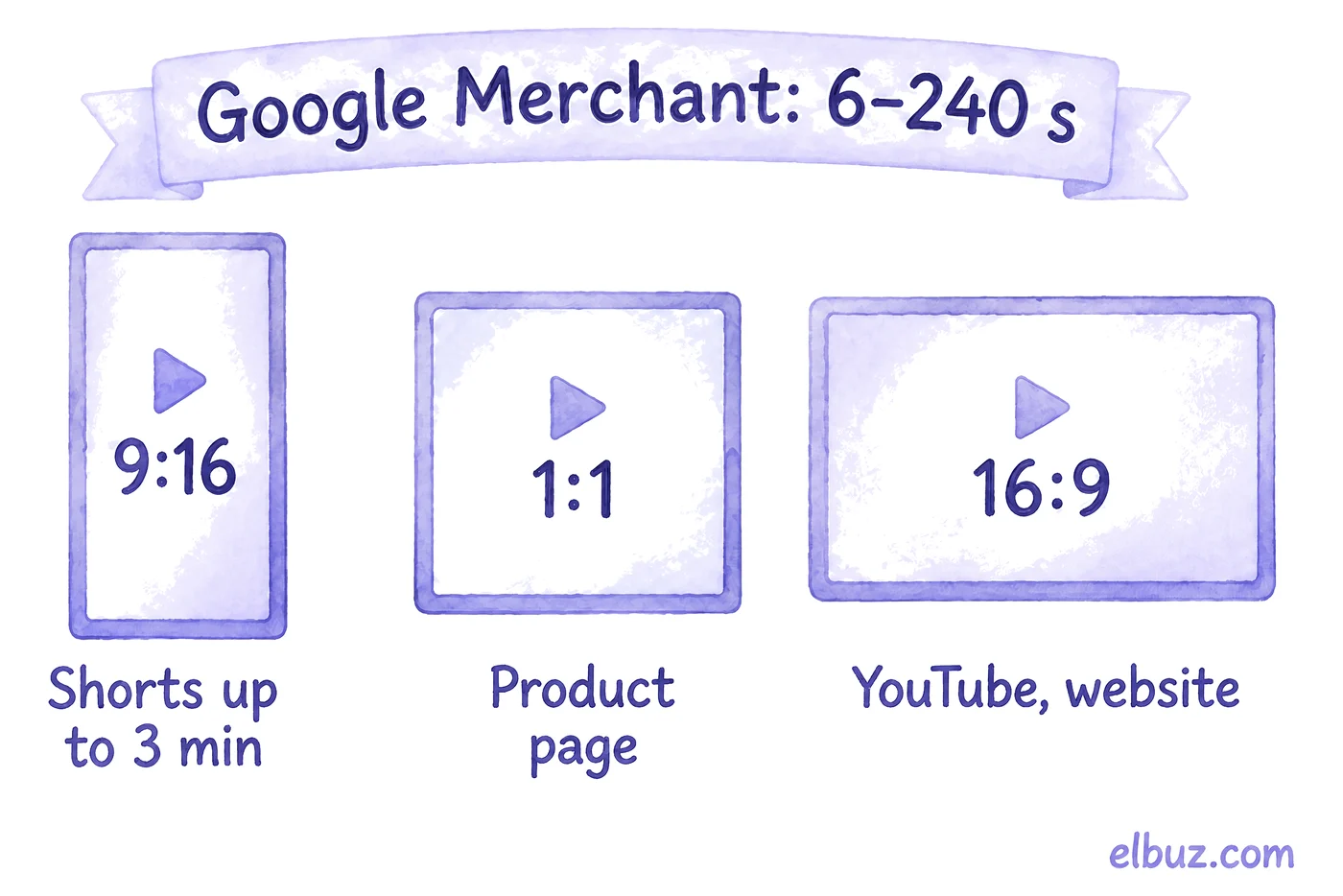
| Platform | Length | Aspect ratio | What else matters |
|---|---|---|---|
| YouTube Shorts | Up to 3 min | Vertical or square | A Short longer than one minute with an active Content ID claim is blocked, so use music from a cleared library |
| YouTube, regular video | No hard limit for a product video | 16:9 standard, vertical also accepted | Recommended MP4, H.264, AAC-LC audio; 1080p at about 8 Mbps for 24–30 fps |
| Google Merchant Center | 6–240 s | 9:16, 16:9 or 1:1 | The video_link attribute: a YouTube link or a direct link to the file (not a page with a player), up to 500 MB, 720p or higher, up to 10 videos per product |
| Amazon, eBay and other marketplaces | By the marketplace's rules | By the marketplace's rules | Video requirements for listings are in the seller help centre; check them before filming |
Video in Merchant Center is optional, and an error in the video does not stop the product itself from showing: Google simply will not show the clip. If you replace a video, give it a new link instead of overwriting the file at the old one. Image sizes for ads are covered in a separate article on ad creatives.
Which products to film first
Film first the products people ask about most in chat, the ones returned as "not as described", and the ones with a high price. You do not need video for the whole catalog at once: a clip pays off where it removes a specific doubt.
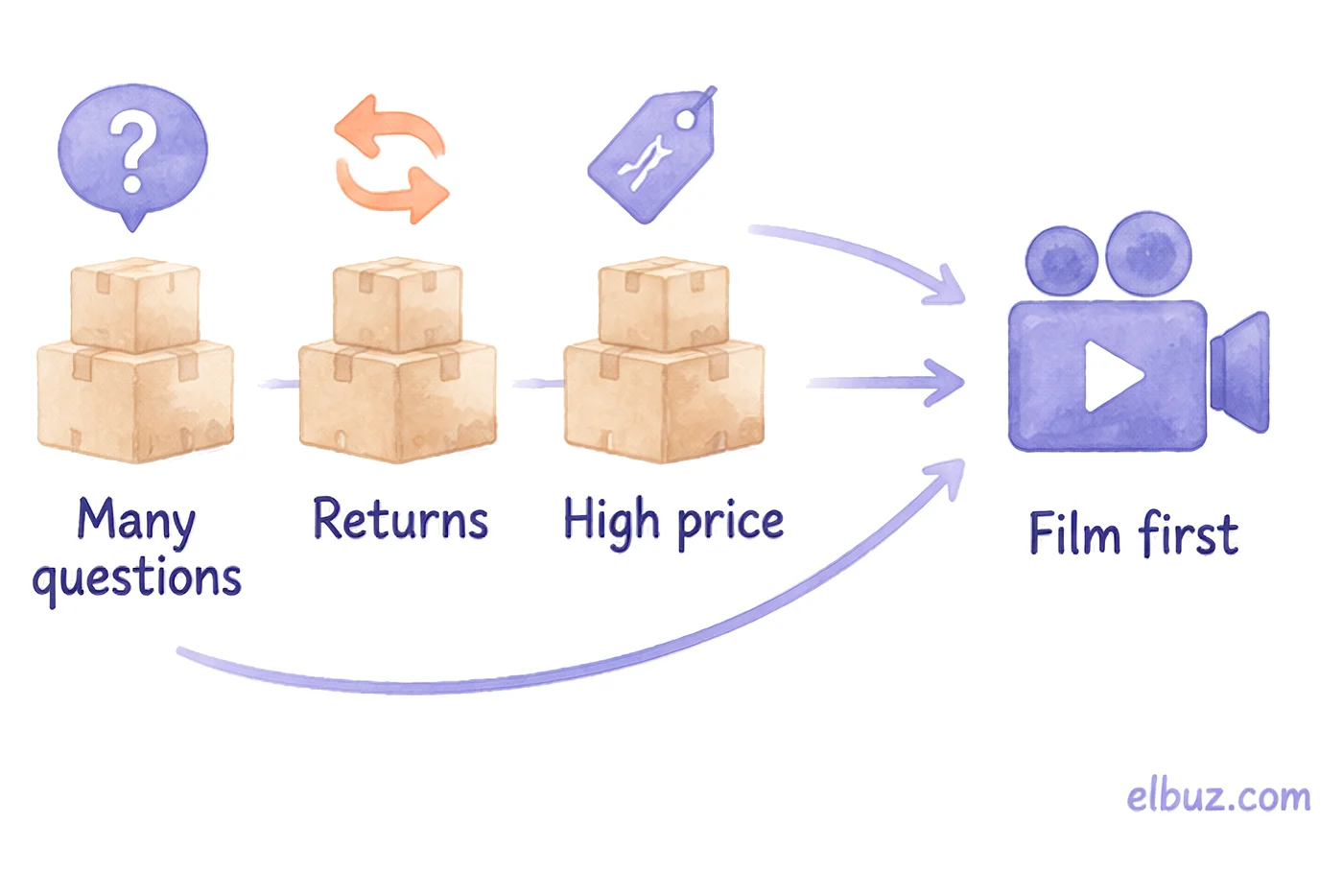
Give each candidate a simple score and film them from the top down:
Product score = chat questions per month + "not as described" returns per month × 3 + 1 if the price is above your average order value.
Illustrative example for the arithmetic; the numbers are not market data. A store has 200 products and wants to film 10 videos.
| Product | Questions per month | "Not as described" returns | Above average order value | Score |
|---|---|---|---|---|
| City backpack 25 l | 14 | 3 | Yes | 24 |
| Flask 0.5 l | 9 | 1 | No | 12 |
| Lunch box | 4 | 0 | No | 4 |
The backpack scores 14 + 3 × 3 + 1 = 24 and goes first: people ask about its capacity and whether a laptop fits, and the returns say those questions were never answered. Those answers belong in the "details" block. The lunch box, with a score of 4, does not need a video yet; good photos are enough. Returns are multiplied by 3 because each one costs shipping both ways and a lost customer, while a question costs only a staff member's time.
Mistakes that stop a video from selling
- Opening with a logo or the box. A five-second intro takes the time in which the buyer decides whether to watch or scroll.
- Only the advantages. A video without a single limit looks like an ad, and a buyer the product does not suit orders it anyway and sends it back.
- No numbers on screen. Dimensions, weight and capacity should be said and seen: a ruler next to the product, the product in a hand, a comparison with a familiar object.
- Music from other people's tracks. On YouTube it means a Content ID claim, and for Shorts longer than a minute the video gets blocked.
- The video lives apart from the product page. It is on the YouTube channel but not on the product page or in the Merchant Center feed, so only subscribers see it.
- One video for all variants. If the colour or size changes the look, show them side by side at the end.
When you need video for hundreds of product pages
Nothing replaces an expert video with a person on camera: you film those for the products with the highest score. But when a supplier gives you thousands of products with photos only, and each product page needs at least a short clip, filming every one is impossible.
Elbuz has AI Media Studio for this: it builds a short product video from the product photos, writes a script, adds a voice-over and an intro with your logo. The finished clip is added to the product record, and for a whole category generation runs as a queue, with an "Only without AI videos" filter so nothing is done twice. You cannot publish to YouTube or TikTok directly from the studio: you download the clip and upload it yourself. How product content is filled in automatically is on the product content automation page.
Who it will not help: if a product sells by being demonstrated by hand (tools, cosmetics, clothing on a person), a clip made from photos will not show the main thing, and that product is worth filming yourself.
Frequently asked questions
What is a product video?
A short clip that shows the product in use and up close, gives its dimensions and features and says who it suits and who it does not. It goes on the product page, the marketplace listing and social media.
What is an expert video?
A video in which someone who knows the product explains how to choose, how the models differ and which mistakes to avoid. It is longer than a product video and sells trust in the store rather than one product.
How long should a product video be?
For a product page, 30–90 seconds is usually enough. The platforms set hard limits: YouTube Shorts up to 3 minutes, Google Merchant Center from 6 to 240 seconds.
How do you make a product video on a phone?
Put the phone on a tripod and the product near a window with side light, on a plain backdrop, and record sound with a lavalier mic. Film to a five-part script, each part as a separate take; see the script by the second.
Can you add a product video to Google Merchant Center?
Yes, with the optional video_link attribute: a YouTube link or a direct link to the video file, 6–240 seconds long, up to 10 videos per product. An error in the video does not block the product itself from showing.
Where should you put product videos?
First on the product page and the marketplace listing, where the buyer decides whether to buy. The vertical version goes to Shorts and Reels, the expert video to YouTube and a blog article that links to the product.
Sources
- YouTube Help, "Understand three-minute YouTube Shorts" — support.google.com.
- YouTube Help, "YouTube recommended upload encoding settings" — support.google.com.
- Google Merchant Center Help, "Video link [video_link]" — support.google.com.
Checked on October 31, 2026. All other numbers in the article are illustrative examples for the arithmetic.


